Forum Discussion

Pherick
Feb 09, 2026Copper Contributor
SanDisk 1tb Extreme causing file explorer to not respond?
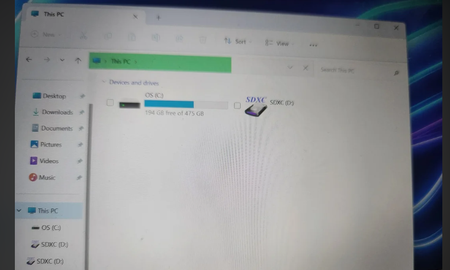
This is a Sandisk SDXC Extreme PRO 64 GB I tried on two PCs: one running W10, the other running W7, both with an internal drive. The checks I did: To check the operation of the (inter...
- Feb 18, 2026
Reformat the USB and try again.


Blue_Bird
Feb 19, 2026Tin Contributor
It sounds like the card is suffering from a hardware-level connection failure or a corrupted file system that the OS can't mount
1) The "Physical" Fix : SD cards have tiny copper contacts that oxidize. Use a rubber pencil eraser to gently rub the gold contacts on the back of the card until they are shiny. Wipe off any debris with a lint-free cloth and try again.
2) The "Clean" Command (Destructive)
If you don't care about the data and just want the card to work, use diskpart to wipe the partition table:
- Open Command Prompt as Admin.
- Type diskpart and press Enter.
- Type list disk (Identify which number is your 64GB card).
- Type select disk X (Replace X with your SD card's number—be careful here).
- Type clean.
If this succeeds, go back to Disk Management to initialize and format it as exFAT.
Thanks