Forum Discussion

Problems after Installing Windows 11 Image via PE?
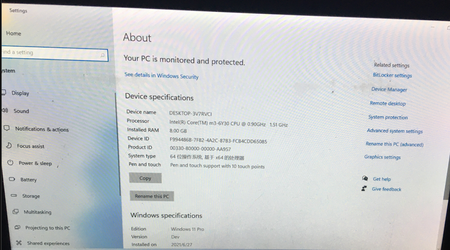

Yes, this can happen when Windows 11 is installed using a PE-based deployment instead of the standard installer.
When you apply a Windows image directly from PE, hardware detection and driver injection are often skipped, so Windows boots with missing or incorrect drivers (chipset, storage, graphics, ACPI). That leads to compatibility issues after first boot.
What to do:
Install missing drivers manually
Start with chipset, storage/NVMe, and graphics drivers
Download them from the device or motherboard manufacturer, not Windows Update
Run Windows Update after drivers are installed
This helps pull remaining device-specific drivers once the system is stable.
Check Device Manager
Any unknown devices or warning icons confirm drivers weren’t applied during PE install.
Best practice
For personal PCs, reinstall Windows using the official Windows Setup / Media Creation Tool.
It handles driver detection correctly and avoids these issues.
Summary:
PE-based installs work, but they often miss critical drivers. Installing proper OEM drivers or reinstalling with the official Windows installer is the cleanest fix.