Forum Discussion

faisal95bd
Dec 20, 2022Copper Contributor
My Windows 10 keeps downloading insider builds although I had left the insider program
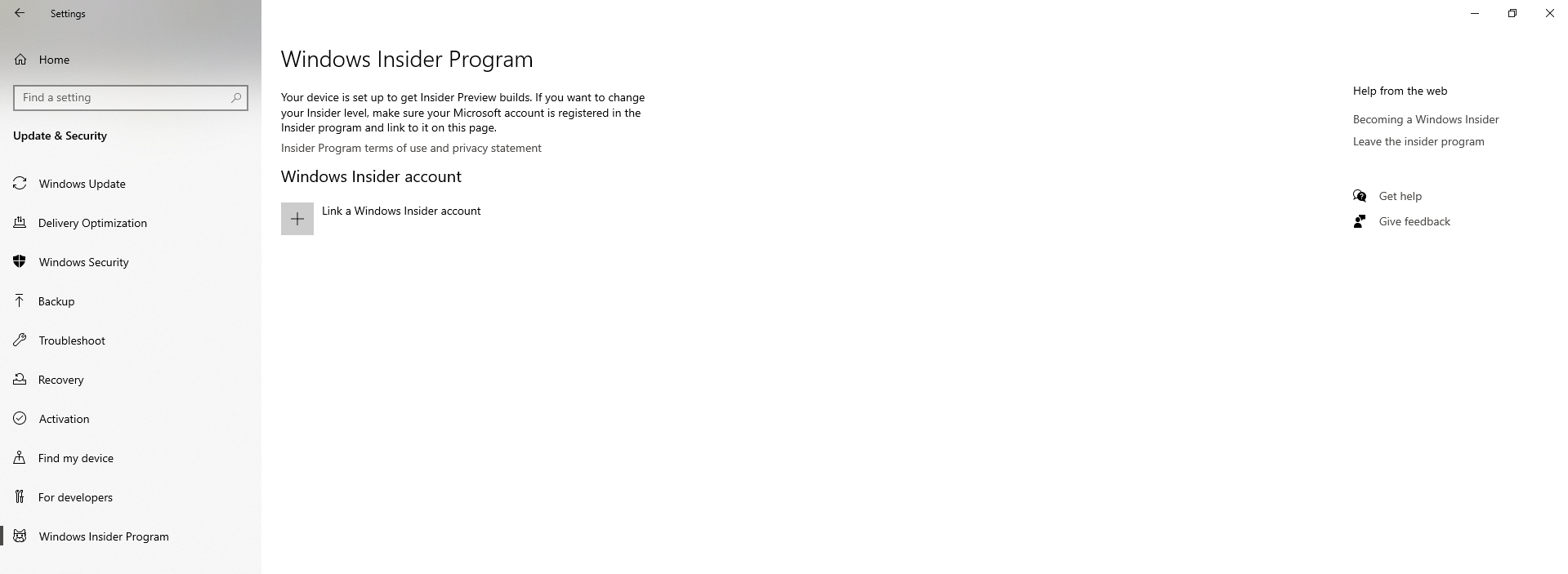
Hi, I'm using Windows 10 pro - 22H2 - 19045.2311 I had joined the insider program before and installed Windows 11. But I reverted back to Windows 10 (system > recovery > go back) and I left the ins...


 DeletedDec 22, 2022
I found a discussion for you where there is a simple solution - please check if it works for you?
Re: Unable to stop Windows 11 update - Page 2 - Microsoft Community Hub

faisal95bd
Dec 21, 2022Copper Contributor
Hi Deleted
I'm not certain if you're clear about my issue or not.
- I was using win10, I joined the insider program and then from settings > update: I updated to win11
- I was using win11, but I didn't like it. So, I rolled back to win10 by this procedure https://bit.ly/3G696GJ
- Then I left the insider program too (screenshots are attached in my post)
- Now, the issue is: in my win10 when I go to settings > update: it keeps downloading win11 preview build (Screenshot_376.png), but I already left the insider program
I'm not certain if you're clear about my issue or not.
- I was using win10, I joined the insider program and then from settings > update: I updated to win11
- I was using win11, but I didn't like it. So, I rolled back to win10 by this procedure https://bit.ly/3G696GJ
- Then I left the insider program too (screenshots are attached in my post)
- Now, the issue is: in my win10 when I go to settings > update: it keeps downloading win11 preview build (Screenshot_376.png), but I already left the insider program
Deleted
Dec 21, 2022In this way, you can only roll back the stable version of Windows11
- DeletedDec 21, 2022
Hi, could you please help , the user used your guide, for rolling back the Insider version, but still has insider program settings and update instances repeat.
https://answers.microsoft.com/en-us/windows/forum/all/downgrade-from-windows-11-to-windows-10/84a2416d-ccfb-4d87-9eee-e1056591e91f