Forum Discussion

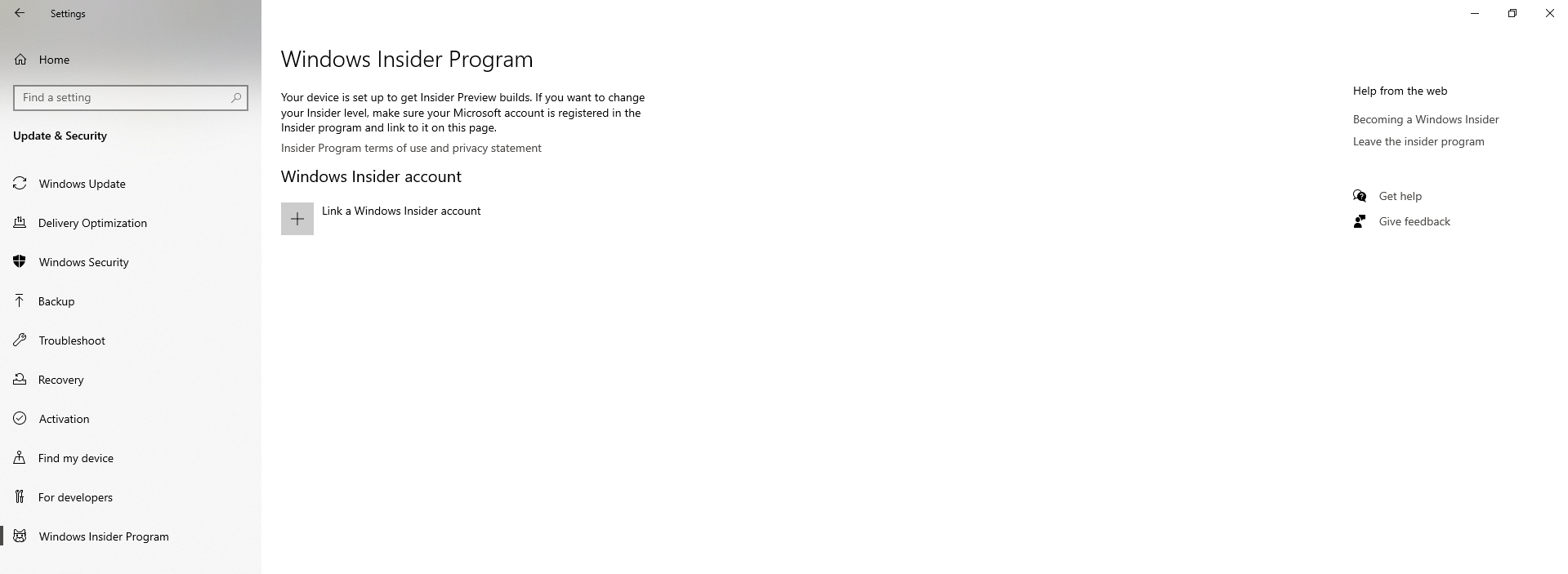
My Windows 10 keeps downloading insider builds although I had left the insider program


 DeletedDec 22, 2022
I found a discussion for you where there is a simple solution - please check if it works for you?
Re: Unable to stop Windows 11 update - Page 2 - Microsoft Community Hub
Hi faisal95bd
" But I reverted back to Windows 10 (system > recovery > go back) and I left the insider"
Explain how you came back to Windows10 - this is important in solving your problem?

Hi Deleted
While I was on Windows 11, I went to System > Recovery. Under Recovery options, clicked Go back.
- DeletedDec 21, 2022Not applicable
https://learn.microsoft.com/en-us/windows-insider/isos#clean-installation-with-a-windows-10-iso-not-an-insider-preview-build
Only a clean install of Windows10 removes settings and Windows11, System Restore and leaves files, personal settings and apps still leaving Insider settings.
- faisal95bdDec 21, 2022Tin ContributorDeleted so I had to do a clean install of Windows 10? 🙄
- DeletedDec 21, 2022Not applicable
"Follow these steps to create installation media (USB flash drive or DVD) you can use to install a new copy of Windows 10, perform a clean installation, or reinstall Windows 10."
https://www.microsoft.com/en-us/software-download/windows10