Forum Discussion

jjstewart1288
Nov 24, 2023Copper Contributor
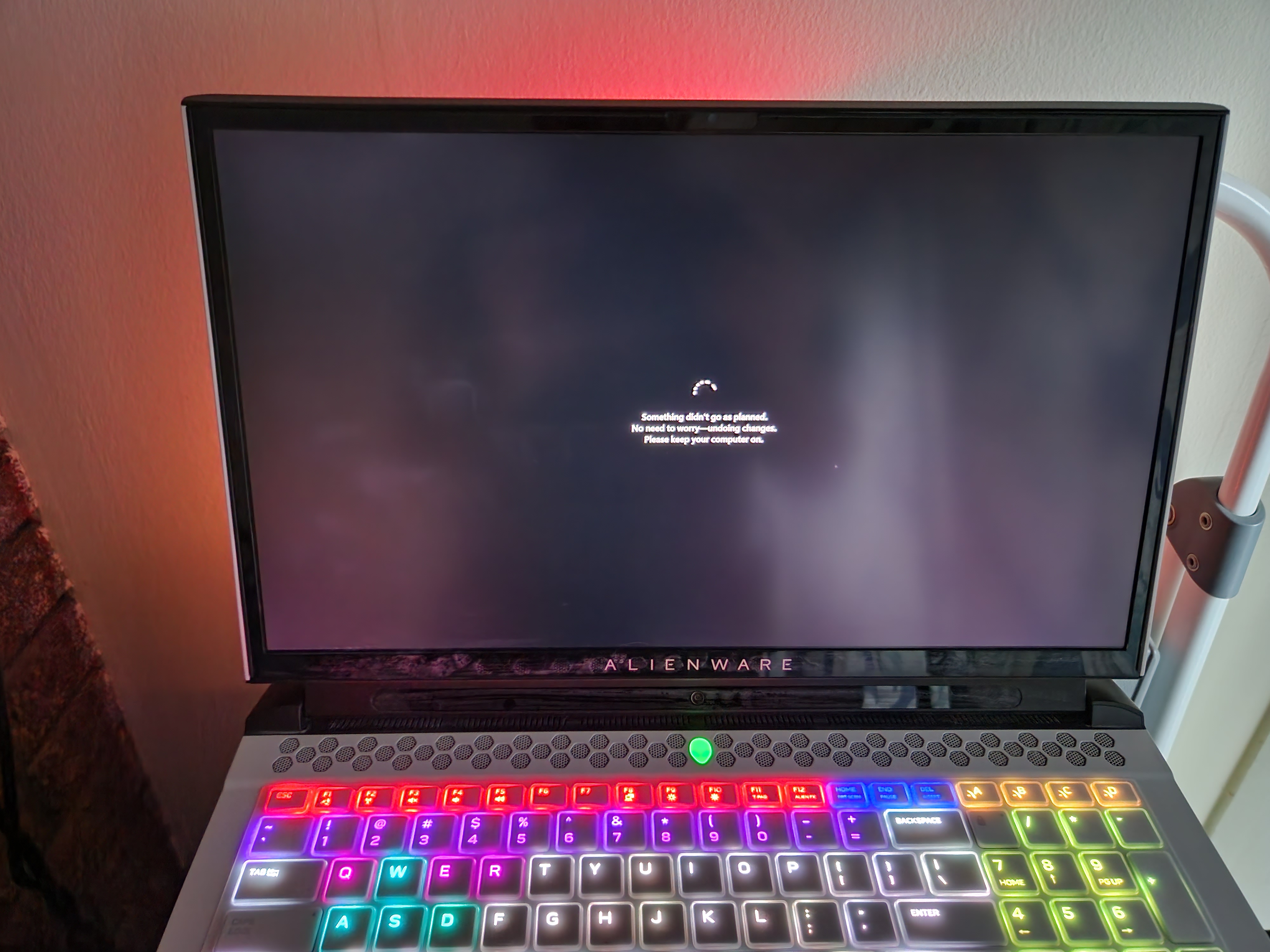
My computer is all **bleep**ed up!! So many issues.
For the past few weeks I have been unable to install two updates. They are: Cumulative Update for Windows 11 Insider Preview (10.0.22635.2771) (KB5032283) 2023-11 Cumulative Update for .NET Fram...


Reza_Ameri
Dec 01, 2023Silver Contributor
You have to make sure run the command prompt as administrator and then type the complete command and not just dism.

jjstewart1288
Dec 01, 2023Copper Contributor
After I ran it like you said, I reset the computer. Still have the critical error for start menu and can't install any updates.
- Reza_AmeriDec 10, 2023Silver ContributorGreat, you could always run stable build of Windows and run the Windows Insider in a virtual PC , so it won't affect your day to day work.
- jjstewart1288Dec 05, 2023Copper ContributorI do know that those problems are expected and tried to choose a channel with few bugs because I like giving feedback on new features. However, I kind of felt panicked and a bit busy and could not think of how to get into feedback hub. I now know how to amd have a way to do so on the website instead of the hub and ask for help here.
- Reza_AmeriDec 05, 2023Silver ContributorYou're welcome and glad it was helpful.
Are you know the Windows Insider is under the testing and development and bug and other problems are expected. It is always recommended to report these issues through the Feedback Hub app. - jjstewart1288Dec 05, 2023Copper Contributor
I kind of did that. I went to the Windows Insider Program ISO downloads and went to the latest Preview Channel version and then it allowed me to do updates from there after I installed that Preview channel version. It fixed the start menu critical error issue. Thanks for helping me through it.
- Reza_AmeriDec 04, 2023Silver ContributorTry leave the program and use stable build and see if the problem persists?
You may also switch to Canary and see if that makes any difference.
In the worse case, you will need to reinstall Windows or perform a repair install. - jjstewart1288Dec 03, 2023Copper ContributorYes I am. I thought I moved to Release Preview, but I am in the Beta Channel rather than Dev or Canary.
- Reza_AmeriDec 03, 2023Silver ContributorYou are running the Windows Insider, is that correct?
If that is the case, try leave the Windows Insider and stop receiving new builds:
https://www.microsoft.com/en-us/windowsinsider/leave-program