Forum Discussion

jjstewart1288
Nov 24, 2023Tin Contributor
My computer is all **bleep**ed up!! So many issues.
For the past few weeks I have been unable to install two updates. They are: Cumulative Update for Windows 11 Insider Preview (10.0.22635.2771) (KB5032283) 2023-11 Cumulative Update for .NET Fram...


Reza_Ameri
Nov 24, 2023Silver Contributor
Are you using Windows Insider?
Do you have access to Task Manager?
Are you able to open msconfig?
Do you have access to Task Manager?
Are you able to open msconfig?
 jjstewart1288Nov 24, 2023Tin Contributor
Yes. I'm in the preview channel. I spoke with Microsoft tech support for windows and they sent me here.
I can press control alt del and it opens the task manager and if I press windows logo and r it opens run which then I type in msconfig and that opens as well. It's just my task bar for notifications and the start menu and Taskbar search that dont seem to work that throws me the critical error message.
- Reza_AmeriNov 26, 2023Silver ContributorThank you for the clarification, in case you are able to open msconfig, the try performing Clean Boot and see if the problem persists?
Have a look at:
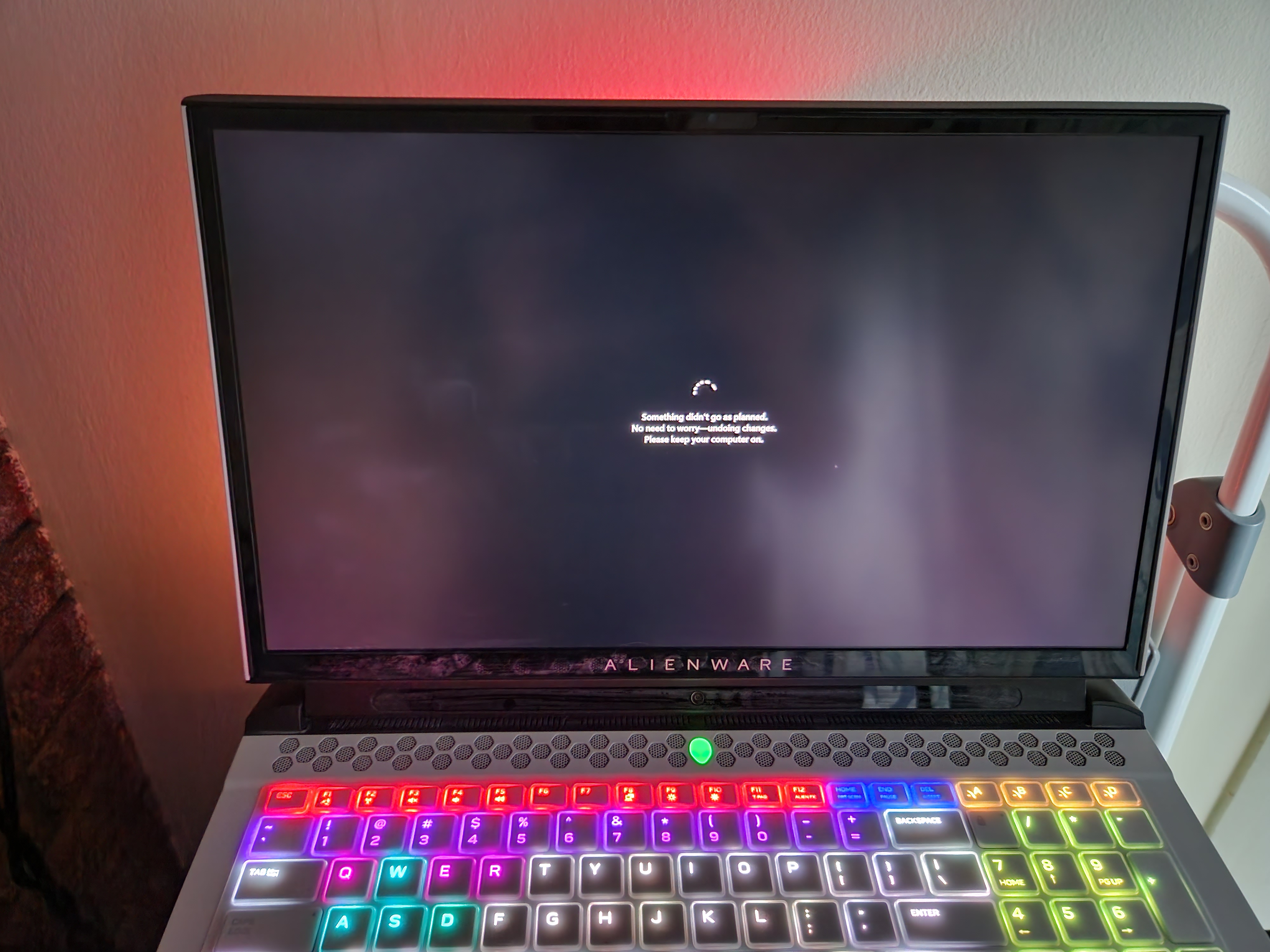
https://support.microsoft.com/en-us/topic/how-to-perform-a-clean-boot-in-windows-da2f9573-6eec-00ad-2f8a-a97a1807f3dd- jjstewart1288Nov 26, 2023Tin ContributorYou're welcome. I was able to open msconfig. I did a little reading of it before your reply. I should have been a bit more patient. I thought changing how my computer booted might help me. So under the boot tab in boot options I chose safe boot minimal. Now it wont even get past my Alienware logo startup screen. I've tried multiple ways to try and get to msconfig to change it. My support assist os recovery tool doesn't seem to work even after it tries to revert to a working save point, I can't enter safe mode because it either gives me an error or it stays on the Alienware screen or it just doesn't bring up the startup options blue screen that would let me go to a recovery environment. So sorry to make this harder and thank you for your help.