Forum Discussion

Jean-Michel-57530
Mar 26, 2022Copper Contributor
Logitech Brio stop working after windows 11 build 22581 update (Beta channel)
Hello, I've just installed Windows 11 build 22581 from the Windows Insider Beta channel last night. Since then, my Logitech Brio camera stop working. My Logitech Brio was configured on my co...
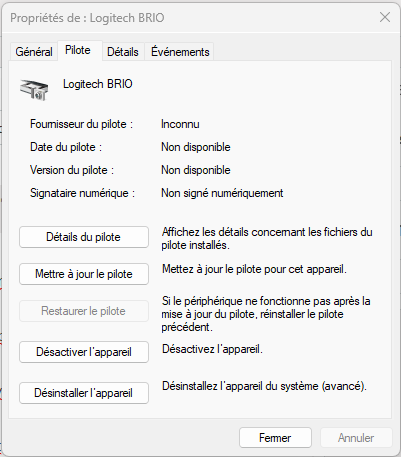

Chrispie360
May 30, 2024Copper Contributor
MrEnergy
Has your problem with the camera been solved yet?
I had the same issue.
My issue was that my laptop has also a hello-compatible camera and is closed most of the time as it lies under a big screen I use for work.
The hello login procedure was using the wrong camera (of the closed laptop).
A search in all Windows settings revealed the option to choose the other (brio) camera. It looks like the switch option from front to back camera on your smartphone.

MrEnergy
May 30, 2024Copper Contributor
Chrispie360,
sadly the BRIO issue still exist with Windows 11. Nor Logitech or Microsoft provided any updates. With Windows 10, the BRIO camera works fine with HELLO.
 MikaYlitaloMay 30, 2024Copper ContributorMrEnergy
Brio still works in my windows 11 after enabling this register
Computer\HKEY_LOCAL_MACHINE\SOFTWARE\Microsoft\Windows\CurrentVersion\WinBio
BUILD:
OS Name: Microsoft Windows 11 Home
OS Version: 10.0.22631 N/A Build 22631