Forum Discussion

Logitech Brio stop working after windows 11 build 22581 update (Beta channel)
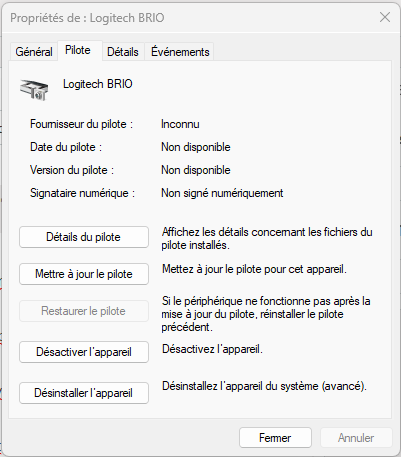


- DarrenLovellApr 10, 2023Copper Contributor
LAKELOCE3000X3D thanks for the confirmation and all your testing. I now have Win 10 22H2 on my surface laptop 5 and I still have the same issue. Not sure if it is a 22H2 code issue across Win 10 & 11 or specific to the SL5. I have a surface laptop 3 that I will put Win 10 22H2 on and see if the Brio stops working on that. If it still works then it is likely a SL5 issue.
- LAKELOCE3000X3DApr 11, 2023Copper Contributor
DarrenLovell We reached out to intune support and they got back to us miraculously fast, with an easy solution. They referenced this https://learn.microsoft.com/en-us/windows-hardware/design/device-experiences/restore-scpc-config-for-admins#enhanced-sign-in-security-ess and in our case, the entry and value to set for the "SecureBiometrics" Key is (DWORD) Enabled = 0 instead of 1. We had to manually create the "SecureBiometrics" key.
- DarrenLovellApr 12, 2023Copper ContributorPerfect !! It took a bit of tweaking after I had that setting.
If I removed Face recognition and also removed the PIN, I was able to go straight to Face sign-in and setup again, with the external Brio camera !! At the end of that setup I was asked to setup the PIN. Amazing, thank you !
I did notice that the external camera did not work when the lid was closed, which is my home desk setup.
I then changed the following reg key and now I have everything working. What a chore going from Surface Laptop 3 to a 5 with the exact same Windows build....
Computer\HKEY_LOCAL_MACHINE\SYSTEM\CurrentControlSet\Control\Power"
Changed "LidNotifyReliable" to 0