Forum Discussion

Skylarun
Sep 06, 2024Brass Contributor
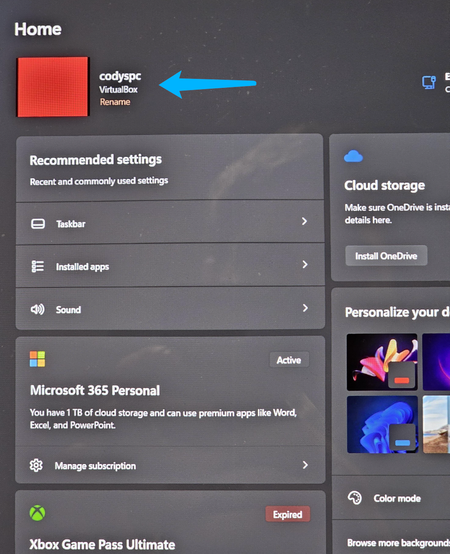
Is there any way to change device name in Registry?

Sdabao
Oct 31, 2024Tin Contributor
If your goal is simply to change the device name for easier identification (like for a PC), you can do this without touching the Registry:
1. Open Settings: Go to Start > Settings (the gear icon).
2. System: Click on System > About.
3. Rename this PC: Click the Rename this PC button. Enter your desired name and follow the prompts.
1. Open Settings: Go to Start > Settings (the gear icon).
2. System: Click on System > About.
3. Rename this PC: Click the Rename this PC button. Enter your desired name and follow the prompts.