Forum Discussion

Is there a way to replace all system icons at once in the Insider program?
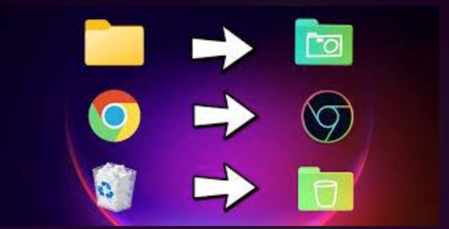

You are looking for a one-click way to replace every Windows icon in an Insider build, including the examples in your screenshot. Windows does not provide a supported global icon-pack switch or a replaceable “system icons” folder. Microsoft’s personalization controls cover common desktop icons, while Windows Resource Protection blocks changes to essential system files to prevent application and operating-system failures.
For supported changes, open Settings > Personalization > Themes > Desktop icon settings. Customize only the listed desktop icons there, and create ordinary shortcuts for apps or folders that need different icons. Avoid ownership changes, resource-hacking utilities, or replacing DLL/EXE icon resources; Insider updates may overwrite those changes, and protected files may need repair. If you want a system-wide icon-pack feature, press Windows+F and submit or upvote that suggestion in Feedback Hub. There is no Microsoft-supported one-click tool for this currently.