Forum Discussion

Bobomm
Dec 27, 2024Bronze Contributor
How to prevent annoying blue prompts from appearing?
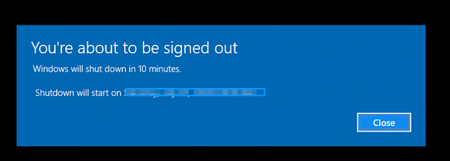
- Jan 02, 2025
To prevent annoying blue prompts in Windows 11:
- Turn Off Notifications:
Go to Settings > System > Notifications, toggle off unnecessary app notifications. - Disable Tips and Suggestions:
In the same menu, uncheck Get tips, tricks, and suggestions as you use Windows. - Adjust Focus Assist:
Go to Settings > System > Focus Assist, set it to Priority only or Alarms only to reduce interruptions.
These steps should minimize unwanted prompts and keep your desktop cleaner.
- Turn Off Notifications:


Nguyenais
Jan 01, 2025Bronze Contributor
Install the latest Windows 11 update and you will see this prompt no longer appears.