Forum Discussion

Ulisesin
Jan 23, 2026Iron Contributor
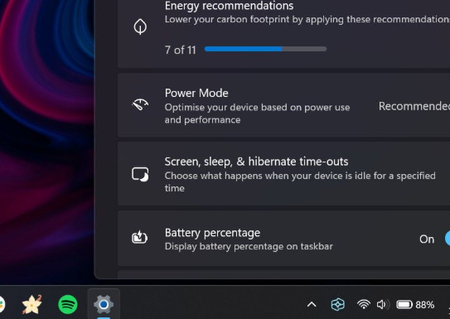
How to get a bigger battery indicator?
The battery icon that represents the battery level is tiny near the time. is there a way to get it bigger? longer like a 5cm bar? I right-clicked on the icon but unfortunately I can't find ...

HarperLake
Jan 27, 2026Iron Contributor
- Right-click taskbar → Taskbar settings
- Go to Taskbar behaviors → Set Taskbar alignment to Left (this makes all icons slightly larger)
- Accessibility: Settings → Accessibility → Text size → Increase to 115% (makes all UI elements larger including the battery icon)

QuentinNash
Jan 28, 2026Iron Contributor
It worked. Thanks for the tip.