Forum Discussion

How can I screen mirror iPhone to Mac wirelessly without usb cable
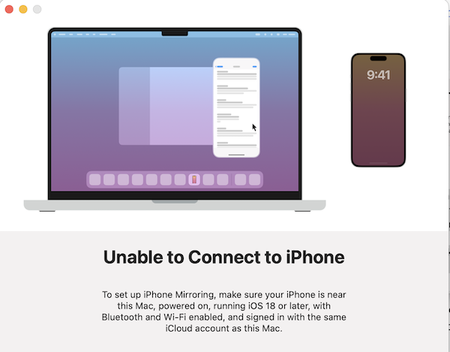

UxPlay is an excellent choice to mirror iPhone to Mac. UxPlay is an open-source (GPLv3) AirPlay2 mirroring server . Its primary purpose is to act like an Apple TV for screen-mirroring with audio from iOS devices . When you want to mirror iPhone to Mac, UxPlay runs a service on your Mac that announces itself over your network as an AirPlay receiver . Your iPhone connects to it just as it would connect to an actual Apple TV.
Unlike commercial tools, UxPlay has no watermarks, no trial periods, and no hidden costs. It is developed for Linux, Windows, and macOS users who want AirPlay receiving capabilities without purchasing proprietary software.
How It Works
Once you install and launch UxPlay on your Mac, it runs in the background as a server. On your iPhone, open Control Center, tap Screen Mirroring, and your Mac will appear as an available device. Tap it, and your iPhone's screen will instantly appear in a window on your Mac display. The mirroring includes both video and audio, streaming over your local Wi-Fi network.
It uses Apple's AirPlay2 Mirror protocol with "Legacy Pairing," meaning it supports current iPhones and works with standard Wi-Fi routers . Both devices must be on the same local area network for UxPlay to detect and connect to your iPhone.