Forum Discussion

How can I screen mirror iPhone to Mac wirelessly without usb cable
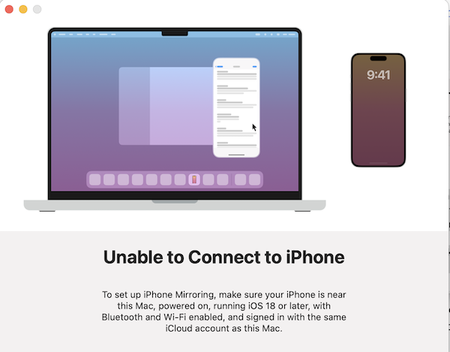

How to mirror iPhone to Mac without using a USB cable? The air play2-receiver is a software solution that allows your Mac to act as an Air Play 2-compatible receiver. If you're aiming to mirror iPhone to Mac, using an air play2-receiver enables a seamless and high-quality wireless streaming experience.
Why it's work:
- It's a GitHub project, not a polished app
- Requires some technical comfort with Terminal
- Actively maintained (updated 7 months ago)
What you'll need:
- Basic familiarity with Terminal commands
- Python installed on your Mac
- Willingness to troubleshoot
- Project link: Search GitHub for "openairplay/air play2-receiver"
With an air play2-receiver installed on your Mac, you can easily discover it on your iPhone via the Air Play menu, and then choose to mirror iPhone to Mac. This setup leverages the advanced features of Air Play 2, such as multi-room audio and improved buffering, ensuring smooth and reliable screen mirroring.
Many of these receivers are free or open-source, making it a cost-effective way to turn your Mac into an Air Play 2 target without cables. This method is ideal for effortlessly sharing your iPhone's screen content onto your Mac wirelessly.