Forum Discussion

How can I screen mirror iPhone to Mac wirelessly without usb cable
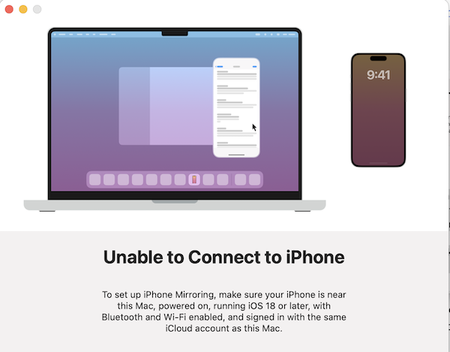

Since the built-in iPhone Mirroring app on your Mac requires a newer iOS, a completely free wireless solution does exist, but it requires using a third-party app on your Mac that acts as an AirPlay receiver. This is the most straightforward path for your situation .
An AirPlay Receiver is a software or hardware tool that allows your Mac to act as an AirPlay target, meaning you can mirror or stream content wirelessly from your iPhone to your Mac. If you want to mirror iPhone to Mac, using an AirPlay Receiver makes this process seamless and straightforward.
Simply put, when you enable an AirPlay Receiver on your Mac, your iPhone can discover it on the same Wi-Fi network, and you can select your Mac as the AirPlay device. This way, you can mirror iPhone to Mac in real-time, sharing your screen, videos, photos, or presentations without the need for cables or additional hardware.
When you mirror your screen, the audio from your iPhone (e.g., music, video sound) will also play through your Mac's speakers. The quality of your wireless mirroring experience will heavily depend on the strength and stability of your Wi-Fi network. For the best results, try to be close to your router.