Forum Discussion

tibiy
Jul 15, 2021Copper Contributor
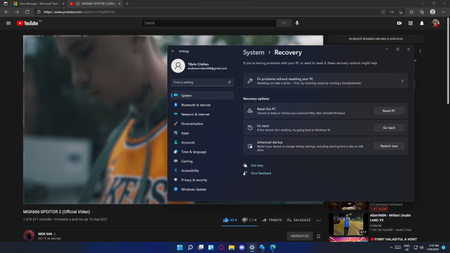
''go back'' button is not working
So i am trying to go back to windows 10 (from windows 11) i am clicking to ''go back'' button from *system> recovery* and i click on it is show like something is loading and nothing happends... Some ...

BlazerZ29
Jul 17, 2021Copper Contributor
SaadZaeem My windows settings and other stuff like docs and downloads remain intact, right?
Anthony
Jul 18, 2021Iron Contributor
Yeah as Saad said. All the apps/date should still remain when you revert back to Windows 10. It's as if you never left. However anything such as apps, data, programs you added to Windows 11 will not come over back to Windows 10 with you.
 SaadZaeemJul 18, 2021Copper ContributorYes Indeed.
- BlazerZ29Jul 18, 2021Copper Contributori m back on windows 10 but in windows update it is still showing the option to download windows 11 what do i do to remove that
- AnthonyJul 18, 2021Iron ContributorYeah as Saad said. You have to opt out or go to the setting that says "stop getting preview builds" or if you want only Windows 10 preview updates go down to the Release Preview Builds.
- SaadZaeemJul 18, 2021Copper ContributorIf there's anyone who still cannot fix this problem. Incase you missed tutorial on the top here's the link again: https://www.youtube.com/watch?v=AIpNbtdlOjY