Forum Discussion

sheraton
Sep 08, 2026Iron Contributor
File History problems after installing KB5124008, KB5126052,KB5126146, KB5122878, and KB890830
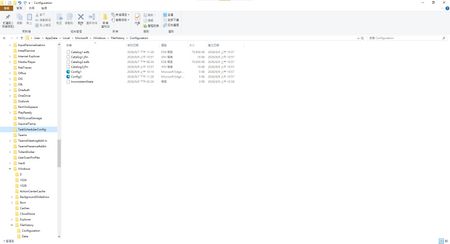
This morning, I ran Windows Update on two Windows 10/11 computers, but the file history feature stopped working completely after the update. Previously, after updating KB5120249 and KB5101684, files...

robmckenzie
Sep 22, 2026Copper Contributor
Does anyone know when it will be fixed and if we'll know

sheraton
Oct 08, 2026Iron Contributor
After the recent KB5124010 update, "File History" can locate and run backup drives, but the last copy date of files remains unchanged, allowing backup of any new files.
- After editing and saving a file, clicking the "Execute Now" button under "Control Panel" > "System and Security" > "File History" fails to update the "Last Copy Date and Time" to the actual latest save time.
- Version Not Updated: The target drive (D:) has normal read/write functionality. However, despite confirming successful file saving, clicking the "Execute Now" button does not update the file version or backup timestamp.
- For newly created files (e.g., Word documents), "File Properties" > "Previous Versions" displays: No previous versions are available. The contents of older files do not display the latest timestamp version; only the date and time of the previous version are shown.
- A new entity version of the unmodified file has been created.
I suspect the problem persists since KB5101684 on July 29th.