Forum Discussion

File History problems after installing KB5124008, KB5126052,KB5126146, KB5122878, and KB890830
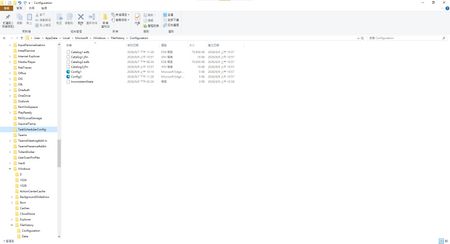

I had the same issue, so uninstalled KB5122878. The Bad: Backup (System Settings) still showed “Your data is not backed up”. The Good: I could once again view “Previous Versions” in the properties panel. The https://support.microsoft.com/en-us/servicing/os/windows-10/2026/09/kb5122878-windows-10-21h2-22h2-security-update referenced Control Panel > System and Security > File History, which isn't my normal path to backup.
So, I checked Control Panel → File History and it still displayed "File History is On". Pressed “Run” and crossed fingers it would only take a few minutes seeing it was 1-2 days of backup. Success! Backup date adjusted to today 10/1! When I searched "Backup" in System Settings (like normal) it also updated to 10/1/26!!
Ran another backup through the Backup in System Settings and it worked again!

If you have the same problem as me (after the recent KB5124010 update, "File History" can find and run the backup drive, but the last copy date of the files has not changed, and any new files can be backed up),Please feel free to leave a comment on my new post:
File History timestamp sync bug still broken in KB5124010 - Anyone else? | Microsoft Community Hub