Forum Discussion

File History problems after installing KB5124008, KB5126052,KB5126146, KB5122878, and KB890830
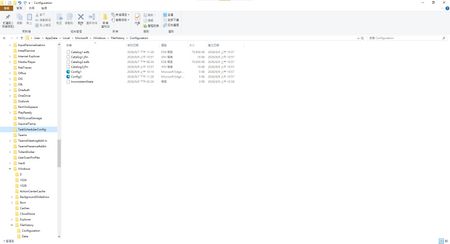

Discovered File History had stopped working back just after July's updates.
I rolled back OS to July 01 backup. File History was working again.
Reinstalled KB5126146 and KB5122878. File History stopped working. Unable to reselect network drive!
Came across these Posts so I rolled ahead to yesterday's backup and will wait for fix! Hurry up MS!!!!

After the recent KB5124010 update, "File History" can find and run backup drives, and all new files are copied, but the last copy date of the files is not changed. Under "File Properties" -> "Previous Versions," either it displays "No previous versions available," or it cannot list the most recent backup timestamp, and some unmodified archive files are backed up indefinitely. If Microsoft's quality assurance department knows what this means, it's another major oversight. This should be an unresolved issue from KB5101684.