Forum Discussion

File History problems after installing KB5124008, KB5126052,KB5126146, KB5122878, and KB890830
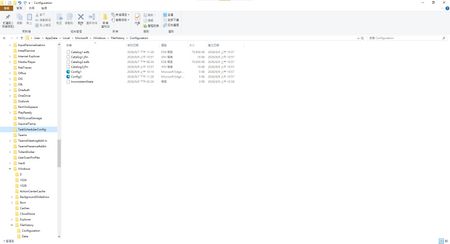

I have the same issue since Tuesday's update. The updates installed that day are (KB5124008) (26200.9445)
and (KB5126052).

We should report this to Windows Latest and get Microsoft to acknowledge that this update caused the file history issue to be disabled.
- BobHSep 13, 2026Copper Contributor
I reported it to Support - spent 90 minutes on the phone - they connected to computer - verified that they could write/read to my external drive that File History was using and some other troubleshooting to verify the file systems, etc. I had the issue on all three of my computers. Support told me they would escalate to level 2.
Later that night I uninstalled 2026-09 Security Update (KB5124008) (26200.9445) and File History worked - reinstalled KB5124008 and File History stopped working. Currently uninstalled and blocked on all three computers until I see an update so I can test to see if it is fixed.
I was given a case number, but when I contacted support, but later that night when I contacted them again to update them on what I had done, I was told there were no notes in the Case. Then I saw that the case was closed. So not very confident that they did anything with the information I provided.