Forum Discussion

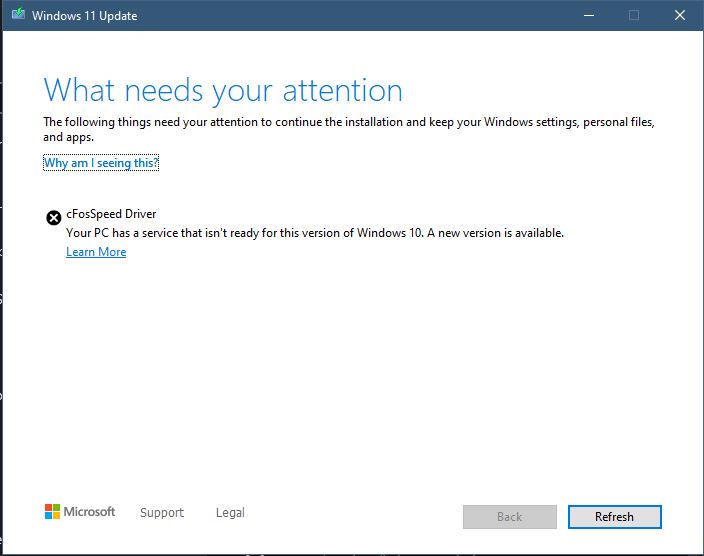
Can't update to windows 11(cFosSpeed Driver)

 Nov 05, 2021
Blackgravity If you're using an MSI product with Dragon Centre installed. Open Dragon Centre, click on the support tab on the left, then Live Updates, then scan. select the check boxes on the list, and update.
This will update cFosSpeed (and all the other programs that DC uses) to it's newest version, and will allow you to update to Windows 11.

Blackgravity By way of an update I opted for a clean Win11 install which worked once I had worked out how to update the BIOS to enable Secure Boot. For my MOBO MSI MPG Z390M GAMING EDGE AC this wasn't straight forward as the BIOS doesn't show Secure Boot enable option as standard.
I've had Win11 working fine for a month now and have not installed Dragon Centre of cFosSpeed Driver!

 HornetsNestDec 18, 2024Copper Contributor
Worked like a charm - thanks