Forum Discussion

Blackgravity
Sep 27, 2021Copper Contributor
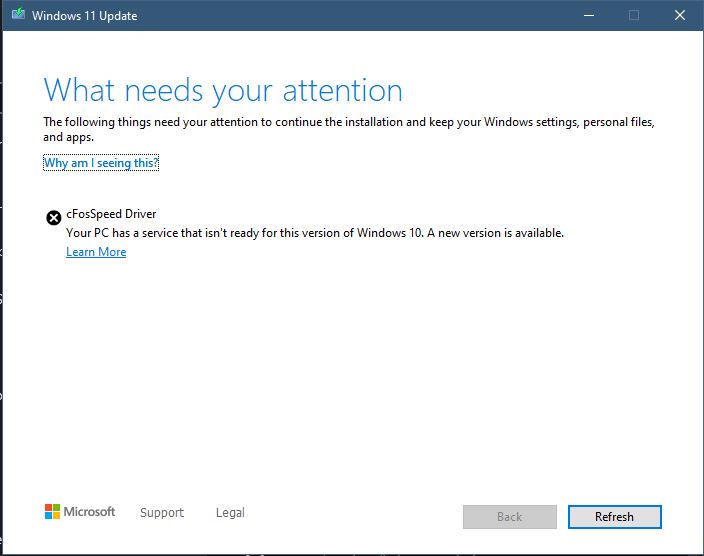
Can't update to windows 11(cFosSpeed Driver)
i ran the PC health check software to see if my PC was capable of running windows 11,it checked out fine, but when i go to my updated and click to install the windows 11 upgrade i get the error that ...

 Nov 05, 2021
Blackgravity If you're using an MSI product with Dragon Centre installed. Open Dragon Centre, click on the support tab on the left, then Live Updates, then scan. select the check boxes on the list, and update.
This will update cFosSpeed (and all the other programs that DC uses) to it's newest version, and will allow you to update to Windows 11.

RayvenPL
Nov 09, 2021Copper Contributor
Pudddinhead so maybe it's not CFos problem. Probably some other drivers, like it was in my case. Try uninstalling audio, network and graphics drivers and run the installer again.
I had problem at about 80-85% just like You, so I think it's worth to try.

Pauline1978
Nov 10, 2021Copper Contributor
I've updated Dragon Center and the programs in MSI Driver & App Center. After that i could install windows 11 with ease. Problem solved for me.