Forum Discussion

BBrooker
Jan 20, 2025Bronze Contributor
Can't send file from iPhone to my PC
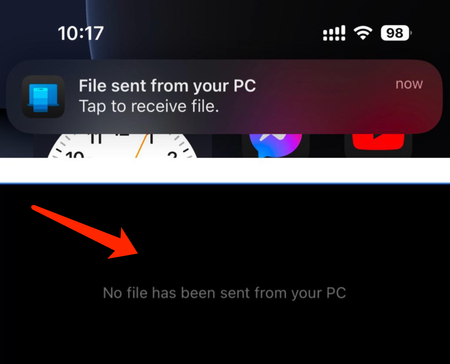
It says the file is transferred successfully but the file is not on my PC. What could be the problem and how to fix it?
- Jan 22, 2025
The issue could be caused by file location settings or permissions. Here's how to fix it:
- Check Transfer Location: The file may have been saved in a default folder. Search your PC's "Downloads" or "Documents" folder.
- Verify Permissions: Ensure your PC has permissions to accept files via Bluetooth or the transfer app you're using.
- Re-pair Devices: If using Bluetooth, unpair and re-pair your iPhone and PC to ensure a proper connection.
- Try a Different Method: Use alternatives like iCloud, OneDrive, or a USB cable for file transfer.
This should help you locate or resolve the file transfer issue.


Eimerson
Jan 23, 2025Iron Contributor
Ensure that the file type you are trying to transfer is compatible with your PC. Some files may not be viewable on Windows without specific software.