Forum Discussion

DashielQuinn
Apr 16, 2026Iron Contributor
After the update, Windows 11 has no sound and the audio isn't working
My Windows 11 laptop has no sound at all after a recent update. Speakers and headphones both dead. Volume is up, but nothing plays.

KapilArya
Apr 21, 2026MVP
Try this:
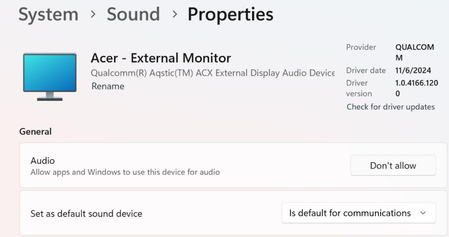
Open Device Manager, and make sure you've audio drivers installed and properly working.
If no audio driver is listed, you can visit your device manufacturer's website to download and install audio drivers for your system model.
If audio driver is present, you can try updating audio drivers to latest version.
Or if you've already updated them, try to roll back previous version to see if that works.
Also, run Playing Audio troubleshooter from Settings app > System > Troubleshoot > Other troubleshooters. Let us know what it reports back.