Forum Discussion

Multiple Language Installations of Office
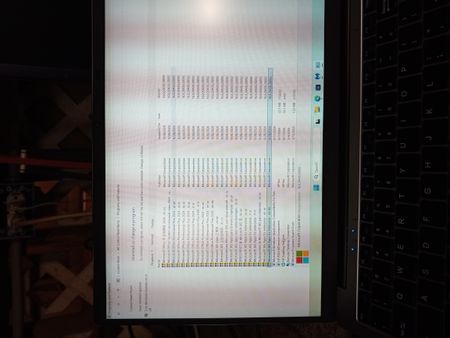

The language suffixes in your screenshots indicate language-specific Office components, so they do not prove that every entry is a separate complete Office suite. However, the list also includes Microsoft 365 and Office Professional Plus 2021 entries; I would not assume everything is simply a language pack. Open Word and check File > Account for the product and activation status, then About Word for its build and 32-bit or 64-bit architecture. Check File > Options > Language to see which display and proofing languages are actually configured. A 16.0 version number alone cannot distinguish these products: Microsoft 365 and Office 2021 share that major version. Before removing anything, confirm the client’s licence and required languages, and back up their documents. If cleanup is needed, reinstall the licensed product with only the required languages, or have their deployment administrator remove specific language resources using the Office Deployment Tool.