Forum Discussion

Windows firewall logs on the endpoint.
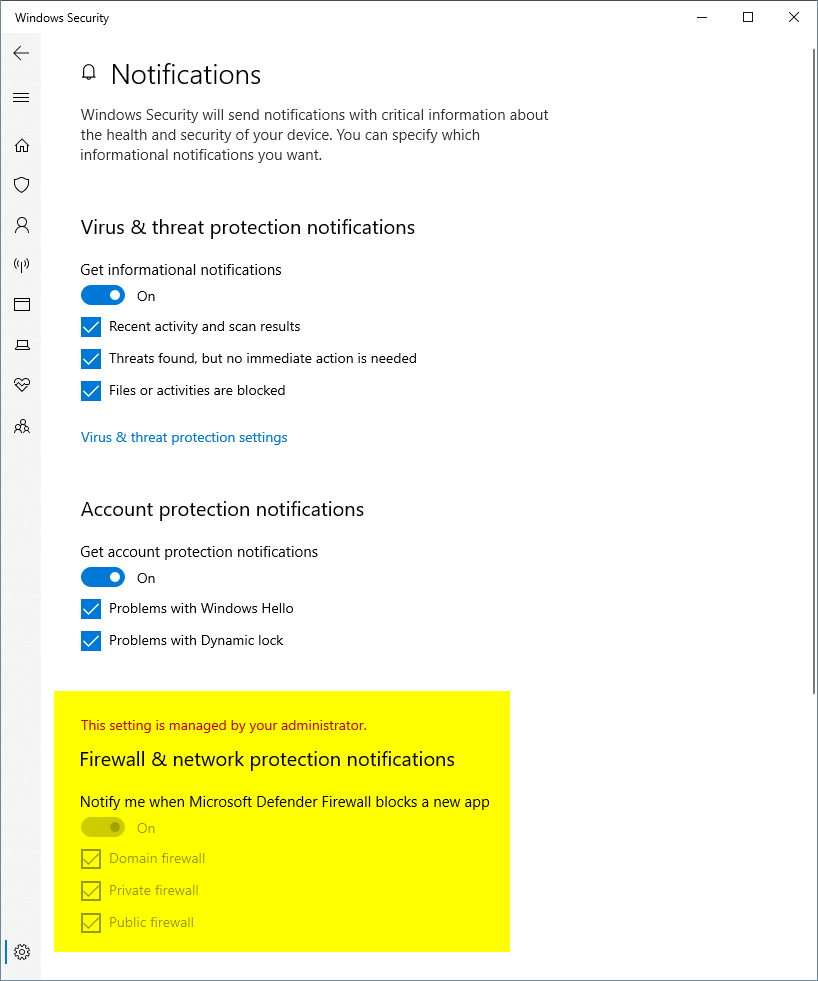
I was ran into an issue of the firewall blocking traffic but not reporting it in Microsoft Defender. When I went to turn on windows logging it was block by administrator. https://www.howtogeek.com/220204/how-to-track-firewall-activity-with-the-windows-firewall-log/ I took a guess it was the firewall and disabled the rules. Where do I find this information when troubleshooting on the endpoint?
Fish_Tacos you should but it also depends on the type of block and the app in question. You will need to look in the log I mentioned above to determine the block but by default it will not log dropped packets so you might have to step through it again to get it captured.

6 Replies
- Rick_Munck
Microsoft
Fish_Tacos When you go into the Firewall Logging section are the logs enabled and is "Log dropped packets;" configured to yes?
- Fish_TacosBrass Contributor
- Rick_Munck
Fish_Tacos you should but it also depends on the type of block and the app in question. You will need to look in the log I mentioned above to determine the block but by default it will not log dropped packets so you might have to step through it again to get it captured.
- Heather_Poulsen
Community Manager
- Heather_PoulsenFirewall events should be in the security event log if it has been turned on
- Fish_TacosBrass ContributorLocal users don't have rights to view the security log.