Forum Discussion

print solution so that the left side of the preview page to printed at the top of the printed page
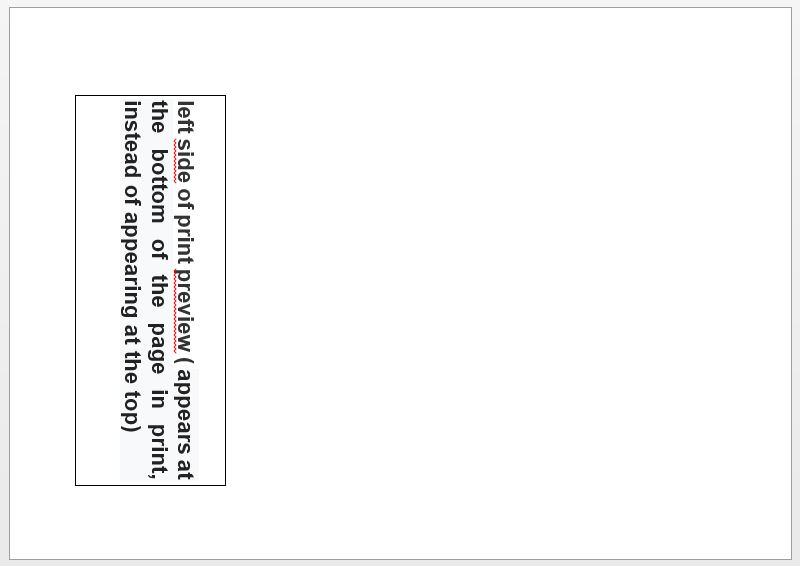
Is there a print solution so that the left side of the preview page to be printed at the top of the printed page? Until now, all versions of Windows did this. In Windows 10 they were reversed, so what appears on the left side of the preview is printed at the bottom of the page, I don't know why.
4 Replies
- NikolinoDEPlatinum ContributorHello,
what do you mean by left side of print preview?
Do you mean that all settings are displayed?
Could you please explain in more detail?
A picture with a note of the area would be an advantage.
Nikolino
I know that I don't know (Socrates) James525Copper Contributor
- NikolinoDEPlatinum Contributor
It is true that they say that a picture is worth a thousand words. But in the case of Excel, this is certainly not the case.
As already said, an Excel file with the problem (without sensitive data) would help more than a thousand pictures.
So again I can only guess, look in the page settings whether the right side (because your picture is in landscape format) is open too many centimeters or inches.
here is some information about it.Set page margins before printing a worksheet
Create, apply, or delete a custom view
Page Setup
If this does not solve the problem for you, please give us a short feedback (... and if possible a file without sensitive data to reflect the problem).
Thank you in advance for your understanding
I wish you a pleasant dayNikolino
I know I don't know anything (Socrates)
* Kindly Mark and Vote this reply if it helps please, as it will be beneficial to more Community members reading here.
* Beware of scammers posting fake support numbers here.