Forum Discussion

CSP Policy for BitLocker Encryption on AutoPilot Devices
- Nov 26, 2018
After a great deal of experimentation and a https://osddeployment.dk/2018/11/18/how-to-delivering-bitlocker-policy-to-autopilot-devices-to-set-256-bit-encryption/; I tracked down the cause of the issue.
The encryption section of the EndPoint Protection policy does not correctly apply to AAD Joined devices capable of HSTI if the policy is set to Encrypt Device: Require.
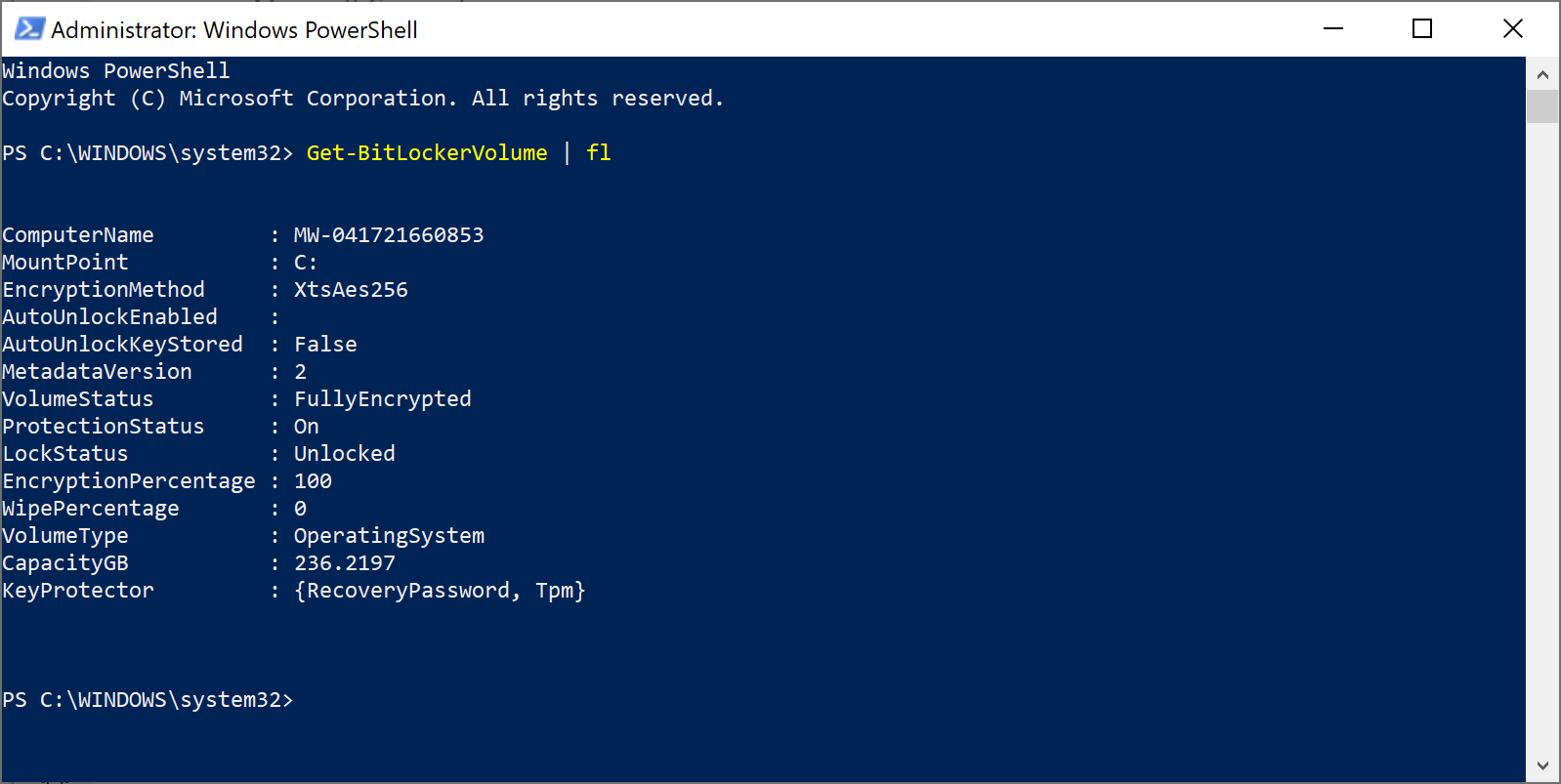
I was able to successfully encrypt a device during AutoPilot with AES 256 under the following circumstances.
- Create a brand new Endpoint Protection policy (Important!)
- Apply the encryption settings that you want to set
- Make sure the Encrypt Device setting is set to Not Configured
- Apply the policy to a group containing Azure AD Joined windows devices
- Do not target the policy at user accounts
The policy settings that I used are attached.




Andrew Matthews Thanks for your quick reply Andrew. As per your Policy 1 image, I have the same settings applying to a Dynamic group and assigned to new devices for autopilot. I was curious as to how you are assigning your second policy with the additional encryption settings. Is this to a wider device or user group that would apply after the ESP page ?
I have a ticket logged with MS at the moment and been working on it for nearly a month and they too are struggling and acknowledged there is a bug with the ESP page and BitLocker for 1809.

- Andrew MatthewsJun 01, 2021Iron ContributorYou cannot silently enable BitLocker when the policy requires a startup PIN. I would suggest that you write a PowerShell script to set the PIN after the device reaches the desktop. I do not personally have that script but I have seen examples using XAML forms.
https://docs.microsoft.com/en-us/mem/intune/protect/encrypt-devices