Forum Discussion

Tablet Mode
- Jan 27, 2021
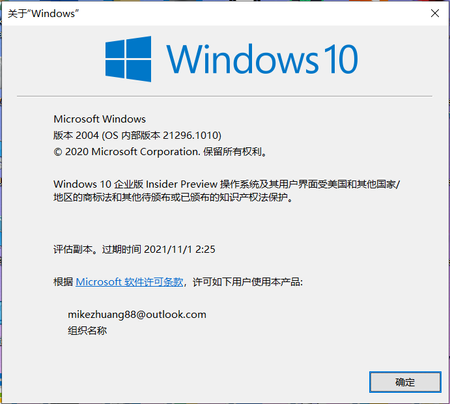
mikezhuang, In Windows 10 Version 20H2 or later, I recently found that Microsoft removed the Tablet Mode button from the Action Center. I checked the Preview build on another machine and Tablet Mode was not available for me too.
To manage Tablet mode, open the Settings app. Go to System > Tablet, then click 'Change Additional Tablet Settings' and from here you can toggle to turn on/off Tablet Mode.
Regards.

mikezhuang wrote:I hope Microsoft can add the feature again.
Anyway, thank you for your help!
You're most welcome Mike! I have already dropped a feedback for this at https://aka.ms/AAayfue. If you like you can upvote.
Thanks!

KapilArya https://aka.ms/AAaynlp I found it. They said it's to help reduce confusion...... But I really need this feature.
- KapilAryaJan 28, 2021MVP
mikezhuang, I believe the upvote button is no longer available. And yes, I read the official response that it was removed to reduce confusion. Well, as the feedback is already there, let us see how much users are affected. If the large number of users are affected, there would be a hope to get the feature back.
Good luck!