Forum Discussion

Want to stop the mouse wheel from accidentally changing dropdown values in VS Project Properties
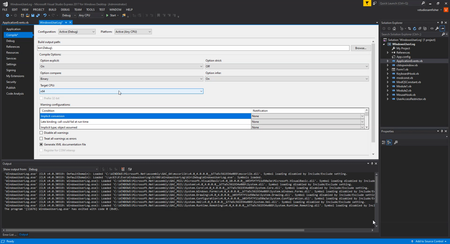

In Visual Studio Express 2017, the Target CPU dropdown changes while you are trying to scroll the Compile page. Microsoft documents that a closed combo box can respond to the mouse wheel by changing its selected item, but I could not verify a setting that disables that behavior only for these controls. The Windows option to scroll inactive windows concerns inactive windows; it is not documented as a selective fix for dropdowns in the active project page. For now, move the pointer away from the dropdown before scrolling, or use the page’s scrollbar. Before building or saving, check that Target CPU still has the value you intended, and review project-file changes if you use source control. I cannot recommend a verified third-party tool for this case. You can report the behavior through Visual Studio’s Help > Send Feedback > Report a Problem, if available, including your screenshot and version.