Forum Discussion

Issue: The "My Day" side pane in Outlook calendar web not showing assigned tasks added to My Day
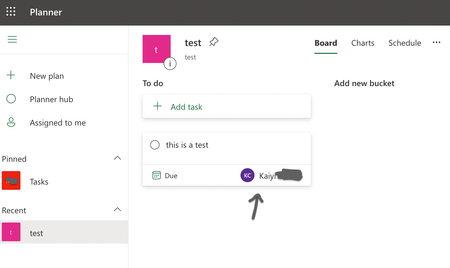

I believe I understand what's happening: when a task's scheduled day arrives, the Todo app automatically sets it as a "My day" task. However, the Todo app seems to be missing a configuration step, as the task is not recognized as a "My day" task in the Outlook PWA (maybe they're using different properties in the data structure?).
As a workaround, try removing the task from "My day" in the Todo app by pressing the "X" next to "Added to my day," and then adding it back by pressing "Add to my day". This action will display the task in the Outlook PWA "My Day" task list.
This should be an easy fix, and I hope that Microsoft addresses it soon, as it is a frustrating bug.

FCSimoes, A simpler method is, in Outlook PWA, switch the list you're viewing from "My Day" to "Planned". Right-click any planned task for today and choose "Add to My Day".
 dpineaultMay 15, 2023Copper Contributor
Ukiman1014It doesn't work either, any task oming from planner cannot reach by anyway the to-do sidebar within outlook.