Forum Discussion

Cannot delete organisation from Teams
 Sep 18, 2025
Hey! Here is a quick step-by-step!
- Go to myapps.microsoft.com.
- Sign in with your personal Microsoft account.
- Click your profile picture (top-right) → My Account.
- Scroll to Organizations.
- Click Manage Organizations.
- Find the organization you want to leave and click Leave Organization.
If you're still stuck and you want to do a bit of a hard reset, you might try deleting local cache?
But the best bet is contacting the admins in the organization and asking them to remove you

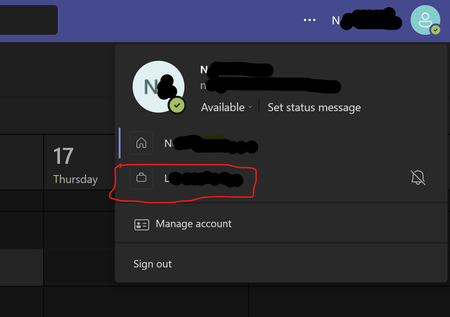
I only have the problem on my desktop client. If I use online Teams, my old account is not listed. So it all boils down to the desktop client not being fully in synch with my online account settings. Which also would suggest that contacting the old org won't help at all. Still, a major pain in the behind to have a useless triangle override vital info about unread Teams messages. Should go away next time I get a new laptop ...

Same boat here. Interestingly this only happened on one PC, on the other one I was able to just delete the rogue organization once I switched to primary. I'm going to keep trying restarting and logging in and out