Forum Discussion

Cannot delete organisation from Teams
 Sep 18, 2025
Hey! Here is a quick step-by-step!
- Go to myapps.microsoft.com.
- Sign in with your personal Microsoft account.
- Click your profile picture (top-right) → My Account.
- Scroll to Organizations.
- Click Manage Organizations.
- Find the organization you want to leave and click Leave Organization.
If you're still stuck and you want to do a bit of a hard reset, you might try deleting local cache?
But the best bet is contacting the admins in the organization and asking them to remove you

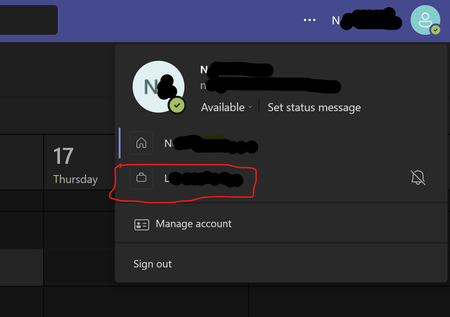
It is very annoying to have 2 organisations on my Teams showing with exclamation errors: "There are issues with some of your accounts and orgs". I have successfully left the organisations using https://myaccount.microsoft.com/organizations. These orgs do not show on the portal anymore, yet still display in Teams and in error state.
 BenjaminT570Aug 14, 2024Tin Contributor
I have the same problem. One of my former client's organizations won't disappear from my work account. For my own freelance company account I connected a personal account, that now does not exist anymore. Both accounts now show this exclamation marks in Teams. Desktop App, Mac App, Web App, Mobile App... Win 11 even keeps bothering me with that "There are issues..." message on every restart. This really has to be fixed quickly!
Edit: anyone else missing the times, when re-installing an application or at least the whole system brought you a fresh, clean environment?