Forum Discussion

Cannot delete organisation from Teams
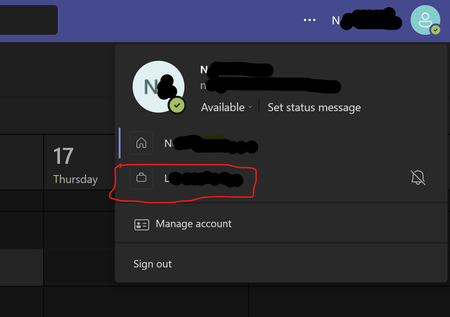

Hey, it comes up a lot. Here are the steps to take:
To leave an organisation with your personal account:
- Sign in to https://myapps.microsoft.com
- At the top-left, select the arrow and go to My Account
- Select Manage Organizations
Here, you'll see a list of organizations connected to your account.
- Select Leave next to the organization you want to leave
- Confirm that you want to leave
What if I can't leave?
In some cases, you may not be able to leave the organisation. This is likely due to a setting that they have that disables the ability for external users to leave the organisation. You can read more about this on the Microsoft Support page.

the link you provided is messed up somehow. href is pointing to "https://myapps.microosft/" which is doesnt exist. and "https://myapps.microosft.com/" redirecting few "suspicious looking" addresses and finally settle on a microsoft website but I'm not sure if its secure at that point anymore. I dont want to get hacked man. could you please eleborate whats going on about url little bit?
PS: I logged in and cannot saw any related options. its just a office 365 promotion page...in hindi somehow 🙂
url: https://www.microsoft.com/en-in/microsoft-365/p/microsoft-365-personal/CFQ7TTC0K5BF/007R?activetab=pivot:overviewtab