Forum Discussion

tscholze
Mar 15, 2022Iron Contributor
UI question: How to display a blocking "loading / preparation" screens if device is in book mode
Hi team, I Just wanna ask you how to "design" a full-width, user interaction blocking loading / preparation view for dual screen devices? For single screen devices, it is quite simple, but what ...
- Mar 15, 2022
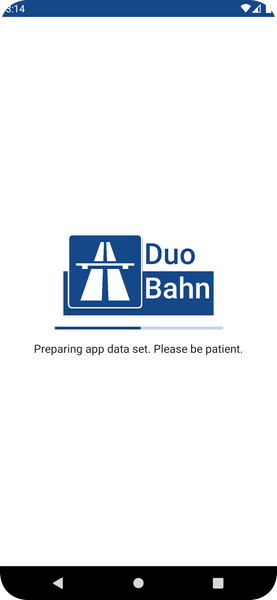
tscholze Can't think of any specific similar loading UI, but we did our demo splash screens with a similar feel: shifting to one screen and leaving the other blank (see attachment).
With an interactive element like the progress bar, I would not repeat it on the other screen. If you find the blank page unattractive, consider putting the logo there too? Other alternatives could be a washed-out photo or other branding image on the second screen to complement the logo but not distract the user too much 😉
For a tablet, you would probably just center again but on the larger screen?


Craig_Dunn Microsoft
Mar 15, 2022Microsofttscholze Can't think of any specific similar loading UI, but we did our demo splash screens with a similar feel: shifting to one screen and leaving the other blank (see attachment).
With an interactive element like the progress bar, I would not repeat it on the other screen. If you find the blank page unattractive, consider putting the logo there too? Other alternatives could be a washed-out photo or other branding image on the second screen to complement the logo but not distract the user too much 😉
For a tablet, you would probably just center again but on the larger screen?

tscholze
Mar 17, 2022Iron Contributor
Thanks for your feedback Craig! 🙂