Forum Discussion

Skype for Bussiness - Phone numbers in invitations
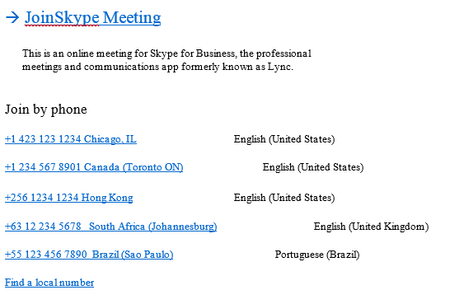

The numbers you see in the invite, is the numbers in the region of the user
You can add all Dial-In numbers to all Regions
 mgfealAug 29, 2019Brass Contributor
Claus-Ole Olsen Thanks!
This is our configuration for Audioconferencing:
Spanish phone number is the default.
For an user:
I don't know how to add what you are saying.
Thanks again,
Miguel
- KennethMLSep 13, 2019MCT
What Claus-Ole Olsen says is: The numbers in the invite depends on the assigned dial-in numbers for the region that has been assigned to the user. This is true for legacy on-premises Skype for Business Server solutions.
While for Skype for Business Online While only default audio conferencing number that is assigned to an organizer (the person who creates the meeting) is only included in the meeting invite, a caller can use any of the phone numbers that are assigned to your conferencing bridge to join a meeting. The list of phone numbers that can be used to join a meeting is available using the Find a local number link that is included on every meeting invite.
Some ISVs supply a custom Outlook plugin for customizing invitations. It could probably also be achieved by using a VBA macro, if anyone still does this 😉
/Kenneth ML
