Forum Discussion

DCushen
Mar 26, 2019Copper Contributor
Skype Click to Call opens Skype for Business.
Hi there, We have a machine running Windows 10 with Skype free and Skype for Business both installed. We have a subscription we use on Skype to enable click to call. However the click to call ext...
- Mar 26, 2019
- Search for and open the Default app settings in Windows 10
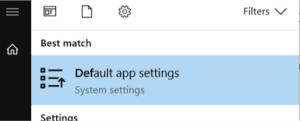
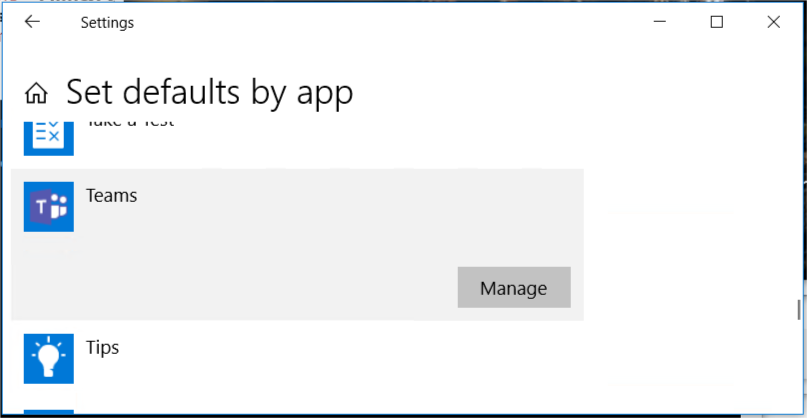
- Scroll down and select Set defaults per app. Scroll down to Skype and click on Manage button.
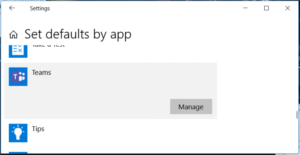
You now see a list of all URLS that can be associated to Skype. If there is any application (Skype for Business in this examle) that you want to change, click on that application and change to Skype instead. I guess you want to change the settings for TEL
This article describes how to set it for Teams so you have to replace Teams with Skype in your change.
https://www.lync.se/2018/10/set-tel-url-association-for-teams/
- Search for and open the Default app settings in Windows 10



niharika_singh
Aug 29, 2019Copper Contributor
Nowadays https://7skype.com/skype-click-to-call is not working on any skype app. I try so hard to get this after that I found an article written on that skype click to call is temporarily unavailable of all users.