Forum Discussion

Skype Click to Call opens Skype for Business.
- Mar 26, 2019
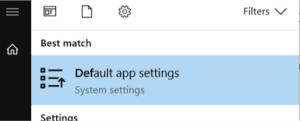
- Search for and open the Default app settings in Windows 10
- Scroll down and select Set defaults per app. Scroll down to Skype and click on Manage button.
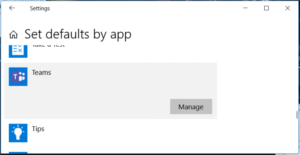
You now see a list of all URLS that can be associated to Skype. If there is any application (Skype for Business in this examle) that you want to change, click on that application and change to Skype instead. I guess you want to change the settings for TEL
This article describes how to set it for Teams so you have to replace Teams with Skype in your change.
https://www.lync.se/2018/10/set-tel-url-association-for-teams/
- Search for and open the Default app settings in Windows 10


- Search for and open the Default app settings in Windows 10
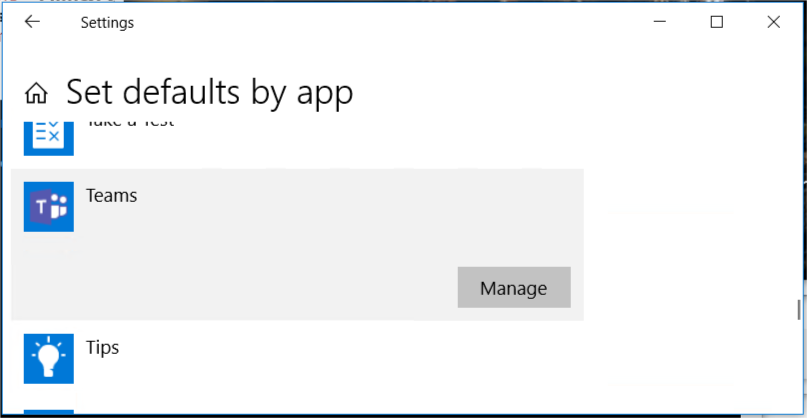
- Scroll down and select Set defaults per app. Scroll down to Skype and click on Manage button.
You now see a list of all URLS that can be associated to Skype. If there is any application (Skype for Business in this examle) that you want to change, click on that application and change to Skype instead. I guess you want to change the settings for TEL
This article describes how to set it for Teams so you have to replace Teams with Skype in your change.
https://www.lync.se/2018/10/set-tel-url-association-for-teams/
 DCushenApr 03, 2019Copper ContributorHi Linus,
This is exactly what I needed, worked a charm. Coming back to say thank you!
David