Forum Discussion

Conditional formatting breaks custom layouts
I raised a Support ticket with Microsoft for this but was told to post here instead...
[Case #:24222483]
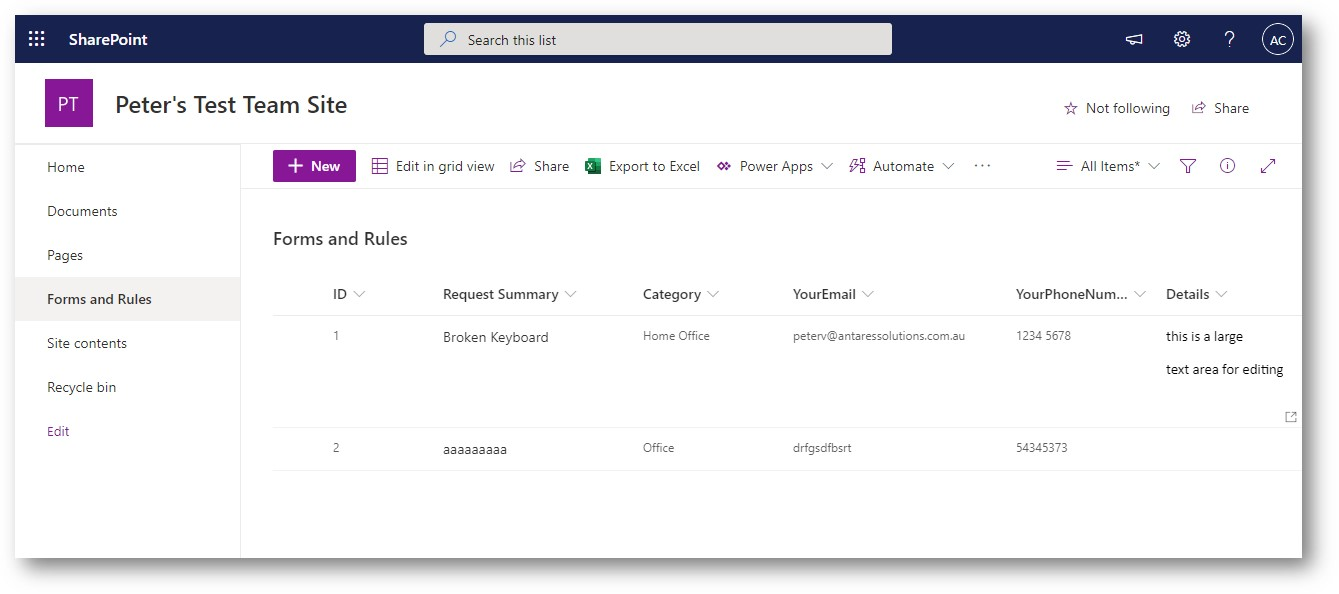
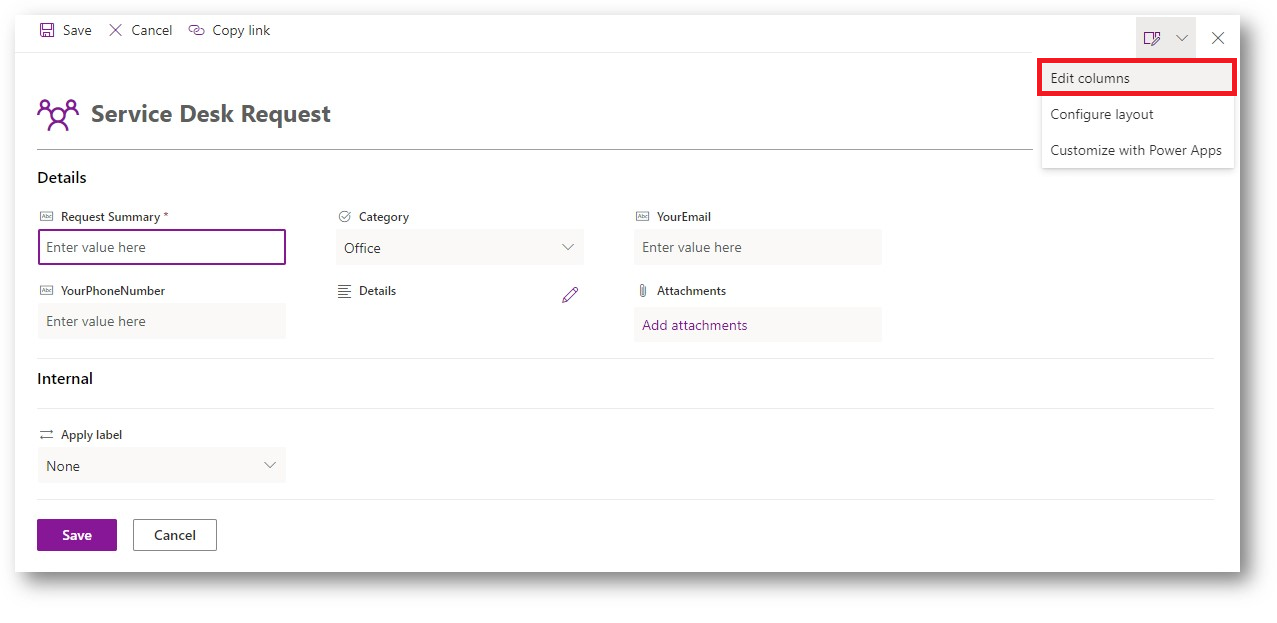
I have used the standard layout formatting to add sections to the BODY of the data entry form for a SharePoint list.
https://docs.microsoft.com/en-us/sharepoint/dev/declarative-customization/list-form-configuration#configure-custom-body-with-one-or-more-sections
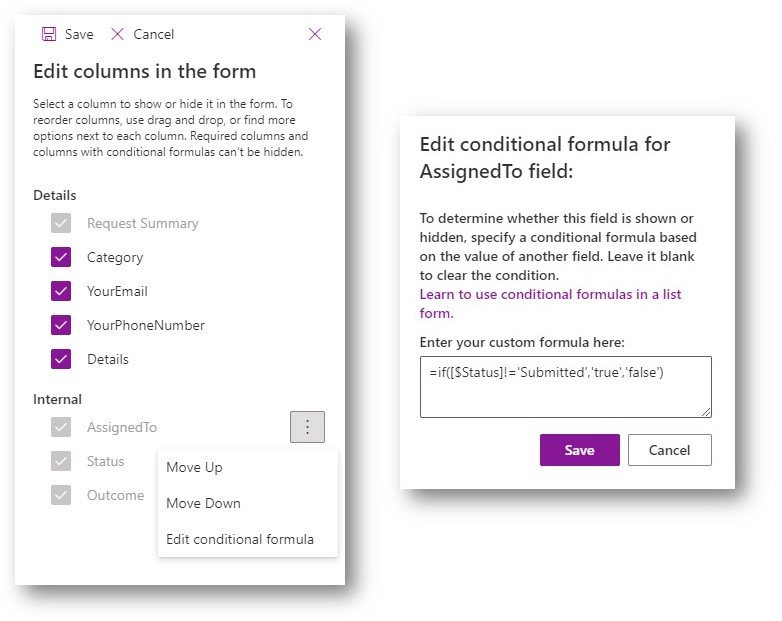
But then when I configure a field to be hidden based on another field's value, the BODY formatting I just added stops working.
https://docs.microsoft.com/en-us/sharepoint/dev/declarative-customization/list-form-conditional-show-hide#get-started-with-conditional-formulas
On close inspection it seems that the JSON string is truncated and is therefore invalid. That's why the BODY formatting stops working.
Why does the formatting JSON for forms of lists and libraries get truncated when configuring column display settings?
This is a modern team site that is not connected to an Office 365 Group and there are no customisations loaded.


2 Replies
 DeanodelpleashCopper Contributor
Hi Peter_Vincent.
Hope you are having a good day.
I try replicating your scenario but I was not getting the same problem. What I can suggest is that you take another go at reconfiguring the display settings to see what happens.
Kind regards,
 Peter_VincentCopper Contributor
Deanodelpleash I have recreated the issue and attached a recording of it.
I'm happy to jump on a call with you to demonstrate this in person if need be, as I mentioned to the support staff in the ticket i rasied in the Office 365 admin centre