Forum Discussion

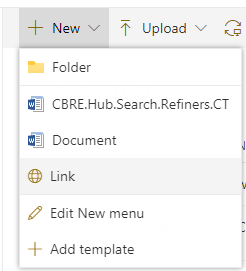
SharePoint 365 Rest API: Add a link item in a document library


Hey iainmac,
That's a good question. I was looking through the PnP REST library and it doesn't seem like there is a way to do it from there. Maybe because Links in document libraries are not commonly used.
One thing I noticed, though, is if you open the Dev tools(F12 on Chrome) and watch the Network tab, when you add a link to a library, looks like this is the REST call adding it:
https://<tenant>.sharepoint.com/sites/<siteName>/_api/web/GetFolderByServerRelativeUrl(@a1)/Files/AddUsingPath(decodedUrl=@a2,overwrite=@a3)?@a1="<libraryRelativePath>"&@a2="<linkName>"&@a3=false
This is a POST request, and the payload is "Url=<fileLink>". Keep in mind that the libraryPath in the URL is relative, starting with "/sites/...", while the fileLink is absolute, starting with "https://..."
I didn't test it manually, but you can try using AJAX to see it the call works. I attached a print of the call in Chrome Dev Tools, blurring some sensitive info. As you can notice in the payload, the link is to the file "myDoc.docs"(oops, typo) which is the folder 'pasta' of the Shared Documents library.
If you need any help, let me know.

Thanks Carlos_Marins
I have managed to build on your reply to create a successful url link in a document library
Here is the Js code I used, not the cleanest of code - but it works for me.
Thanks for your help
Iainmac