Forum Discussion

micheleariis
Jun 27, 2023MCT
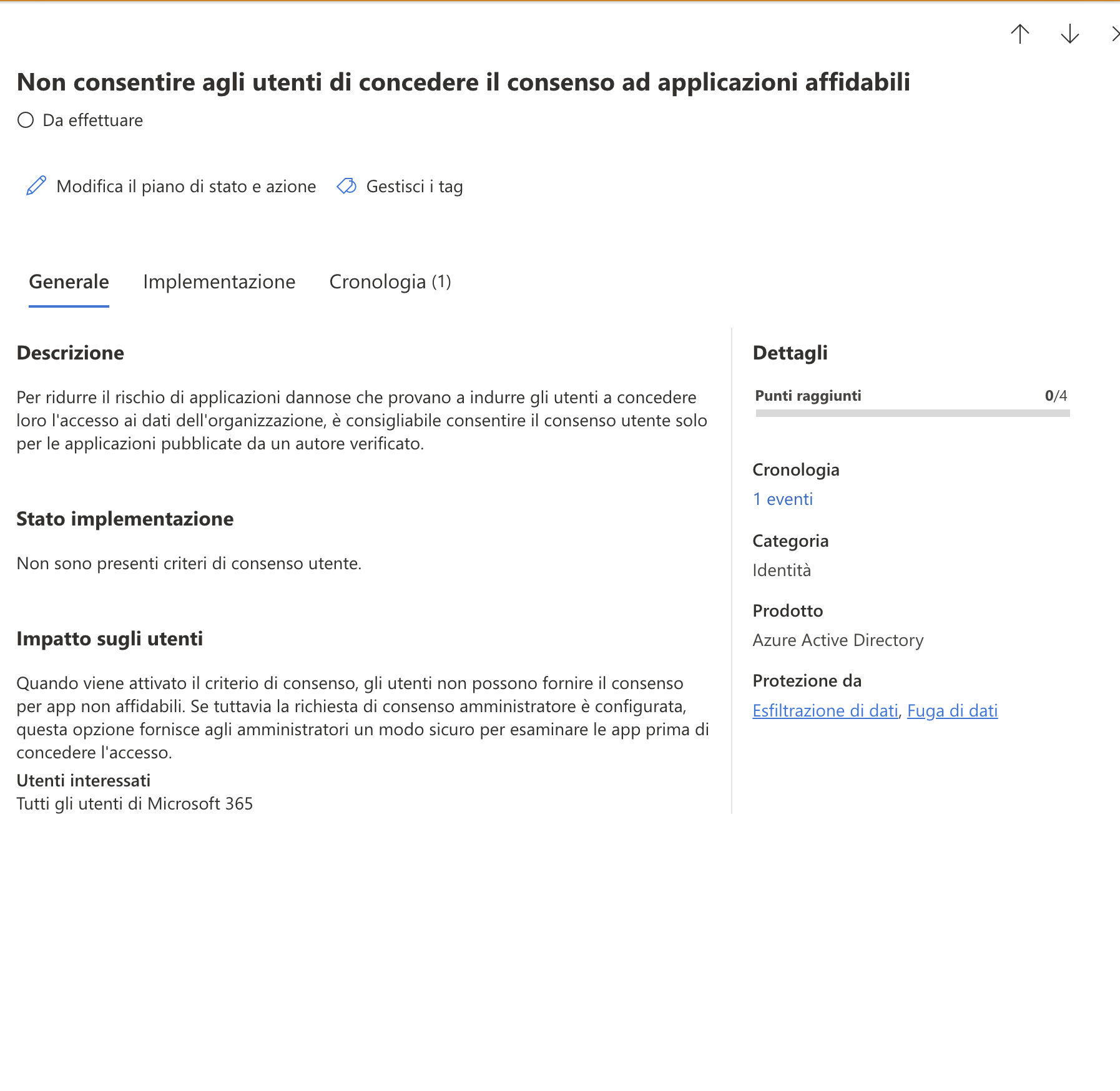
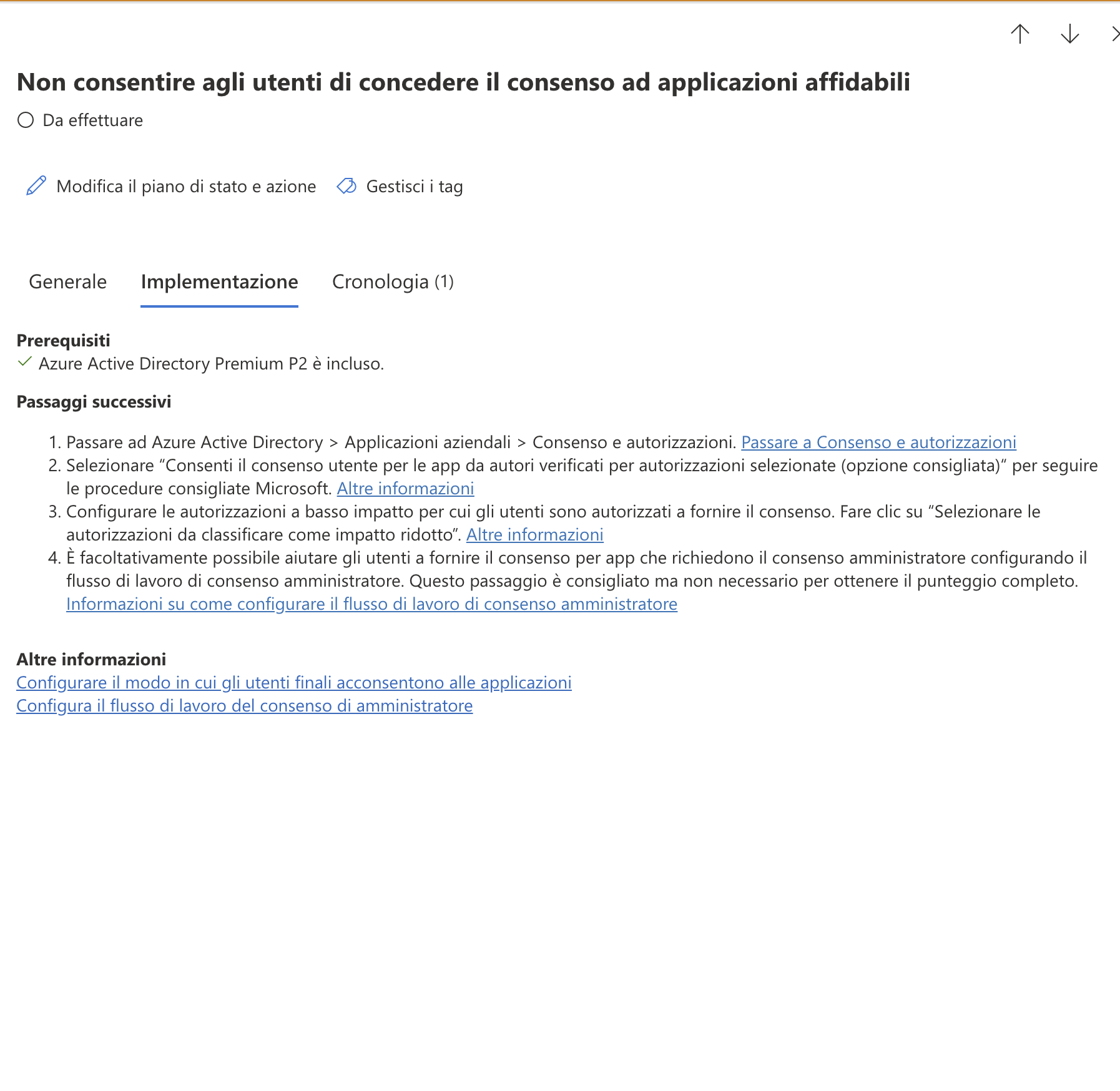
Secure Score - Do not allow users to grant consent to trusted applications
Good morning, despite having already implemented the policies I am not being scored; do any of you have the same problem?
2 Replies
micheleariis Hi , did you apply the below ?
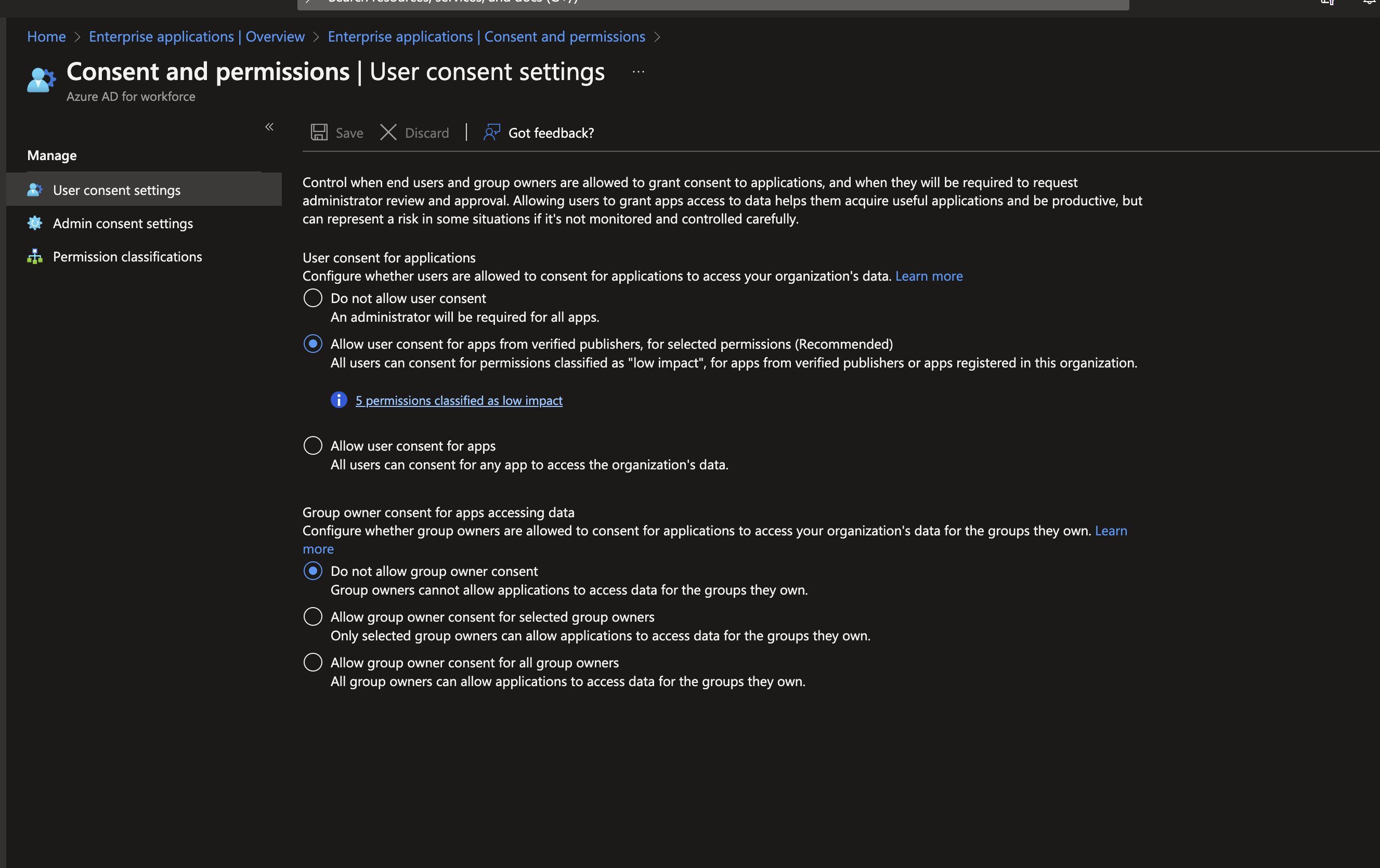
To configure user consent settings through the Azure portal:
Sign in to the Azure portal as a Global Administrator.
Select Azure Active Directory > Enterprise applications > Consent and permissions > User consent settings.
Under User consent for applications, select which consent setting you want to configure for all users.
Select Save to save your settings.
This was done yesterday morning, as previously I had the policy that never allowed the user as approval went through the administrator