Forum Discussion

 Microsoft
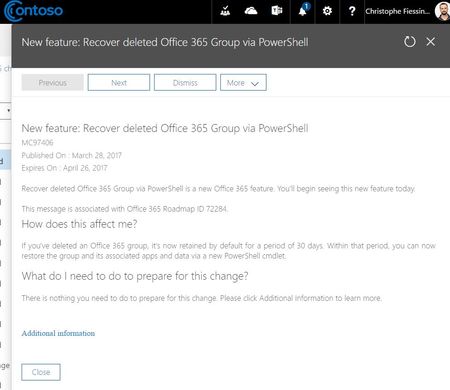
New feature: Recover deleted Office 365 Group via PowerShell

Ronald Knaap during my testing I noticed delays as well. In my case the user got a "Something has changed etc etc and you must restart Outlook" popup. After restarting Outlook the Groups appeared.

I've restarted Outlook several times but still no restored group so far.
Maybe it's a matter of time
Which is our slogan with Office 365 the last few months.. If something doesn't work...
"It's a matter of time!" :)
And most of the times... it is :)
- Paul CunninghamMar 30, 2017Steel Contributor
Ronald Knaap wrote:Which is our slogan with Office 365 the last few months.. If something doesn't work...
"It's a matter of time!" :)
Many Office 365 problems are solved by just waiting longer.
- cfiessingerMar 30, 2017
From the documentation mentioned above:
This process usually takes just a few minutes but in a few rare cases it can take as long as 24 hours to completely restore. To verify that the group has been successfully restored, run this command in PowerShell:
Get-AzureADGroup –ObjectId <objectId>
Once the restore has successfully completed, the group should reappear on the navigation pane in Outlook and Outlook on the web and all restored content, including SharePoint and Planner, should be available to the group members again.
- Paul CunninghamMar 30, 2017Steel Contributor
cfiessinger wrote:From the documentation mentioned above:
This process usually takes just a few minutes but in a few rare cases it can take as long as 24 hours to completely restore. To verify that the group has been successfully restored, run this command in PowerShell:
Get-AzureADGroup –ObjectId <objectId>
Once the restore has successfully completed, the group should reappear on the navigation pane in Outlook and Outlook on the web and all restored content, including SharePoint and Planner, should be available to the group members again.
I think you should reword that. The "few minutes" hasn't been true for any of my test cases so far.
Also, the Group appears in the Get-AzureADGroup output (indicating it's been restored successfully) long before all the content in different apps is available.
And also, the Group appears in the Outlook navigation pane long before all the content in different apps is available.
Perhaps a more accurate wording would be to say that the Get-AzureADGroup output or the appearance in Outlook confirms that the restore has *started*, and that it may process for several hours before all services are available again. That would set expectations better than the current wording.
