Forum Discussion

Outlookt in Online mode and not in OST cache mode

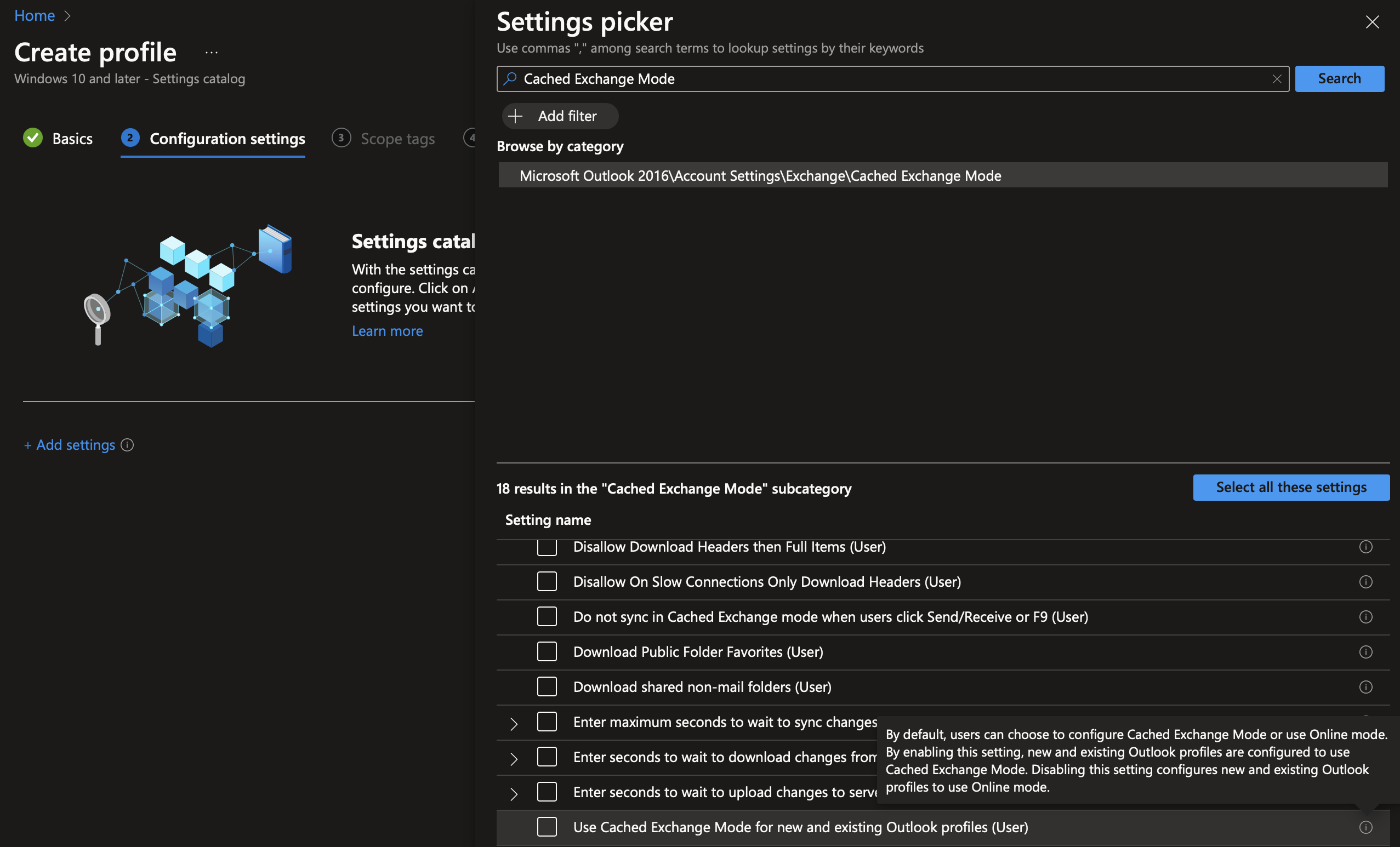
You can do this by using the Settings Catalog. In Intune go to Devices > Windows >Configuration Profiles > create a new policy > set profile type: Settings catalog > when you add setting search for 'cached Exchange mode' (see attached screenshot). You can use 'Use Cached Exchange Mode for new and existing Outlook profiles (User)'. Here is how Microsoft describes this setting:
"By default, users can choose to configure Cached Exchange Mode or use Online mode. By enabling this setting, new and existing Outlook profiles are configured to use Cached Exchange Mode. Disabling this setting configures new and existing Outlook profiles to use Online mode."
Be aware that Microsoft recommends using cached mode by the way, see here for example: https://support.microsoft.com/en-au/office/turn-on-cached-exchange-mode-7885af08-9a60-4ec3-850a-e221c1ed0c1c
------
Please click Mark as Best Response & Like if my post helped you to solve your issue.
This will help others to find the correct solution easily. It also closes the item.
If the post was useful in other ways, please consider giving it Like.
 sampppMar 19, 2024Tin ContributorThanks for your reply.
I have upplied this policy from Intune and it doesn't work on my Windows 11 enterprise multi-session.
But it works on Windows 11 pro.
Are you aware about that?
Thanks again 🙂- SebastiaanSmitsMar 19, 2024Steel Contributor
This setting should work
When you filter the settings picker as you can read here: azure-virtual-desktop-multi-session :
- Key: OS edition
- Operator: ==
- Value: Enterprise multi-session
You see this setting is available for this OS type, so should be supported. Maybe something else is wrong, something specific with this machine? Try with another machine to make sure, otherwise this should be for Microsoft Support, it is a supported scenario.
- sampppMar 19, 2024Tin Contributor