Forum Discussion

MSIX app attach Azure portal integration public preview
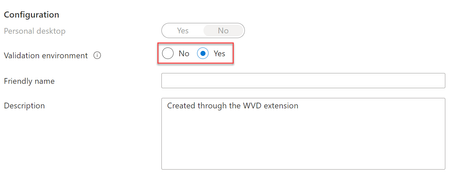

I actaully posted this question in another forum and got som answers you might find usefull, ill attach screenshot....

I have the same issue.
Stefan can you provide exact instructions for how we achieve this on AAD DS? I used SAS Key connection to the share as you alluded to:
$connectTestResult = Test-NetConnection -ComputerName synfslogix.file.core.windows.net -Port 445
if ($connectTestResult.TcpTestSucceeded) {
# Save the password so the drive will persist on reboot
cmd.exe /C "cmdkey /add:`"synfslogix.file.core.windows.net`" /user:`"Azure\synfslogix`" /pass:`"SASKEY`""
# Mount the drive
New-PSDrive -Name Z -PSProvider FileSystem -Root "\\synfslogix.file.core.windows.net\sharename" -Persist
} else {
Write-Error -Message "Unable to reach the Azure storage account via port 445. Check to make sure your organization or ISP is not blocking port 445, or use Azure P2S VPN, Azure S2S VPN, or Express Route to tunnel SMB traffic over a different port."
}
I still have issues where it cannot connect despite all permissions being added.