Forum Discussion

Pn1995
May 16, 2019Brass Contributor
How to exclude a user from a Dynamic Distribution List
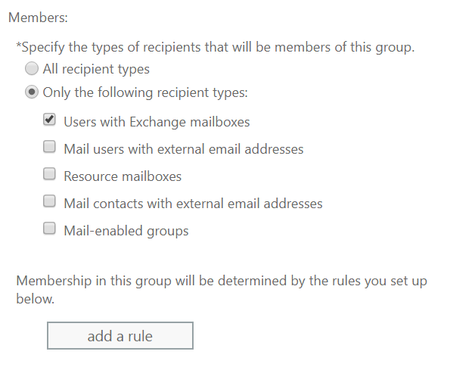
HI We have a dynamic distribution list setup on Office365 that includes everyone with exchange mailboxes... We want to EXCLUDE a couple of people from this list. Anyone know how to do thi...


Pn1995
May 17, 2019Brass Contributor
Just a update - as I believe I have managed to do this using the following command
Set-DynamicDistributionGroup -Identity DISTRIBUTIONLISTNAME -RecipientFilter {((RecipientType -eq 'UserMailbox') -and -not(Name -like 'MAILBOXTOEXCLUDENAME'))}
Just one other question - we a Mail Contact we want to add - do you know the command for adding that in?

VasilMichev
May 17, 2019MVP
That will be a bit more complicated as you already have a clause in there that only includes User mailboxes. Doesn't mean it's not possible, you simply need to add another group, but be careful not to interfere with the existing filter. With the above in mind, all you need is a simple:
-or (Name -eq "mail_contact_name")
or better yet, use the address:
-or (PrimarySmtpAddress -eq "mail@external.com")