Forum Discussion

Data Protection policies for web apps

Hi Moe_Kinani
Thank you for your quick reaction.
So the solution you mentioned, is it possible to apply it to private mobile devices (unmanaged)?
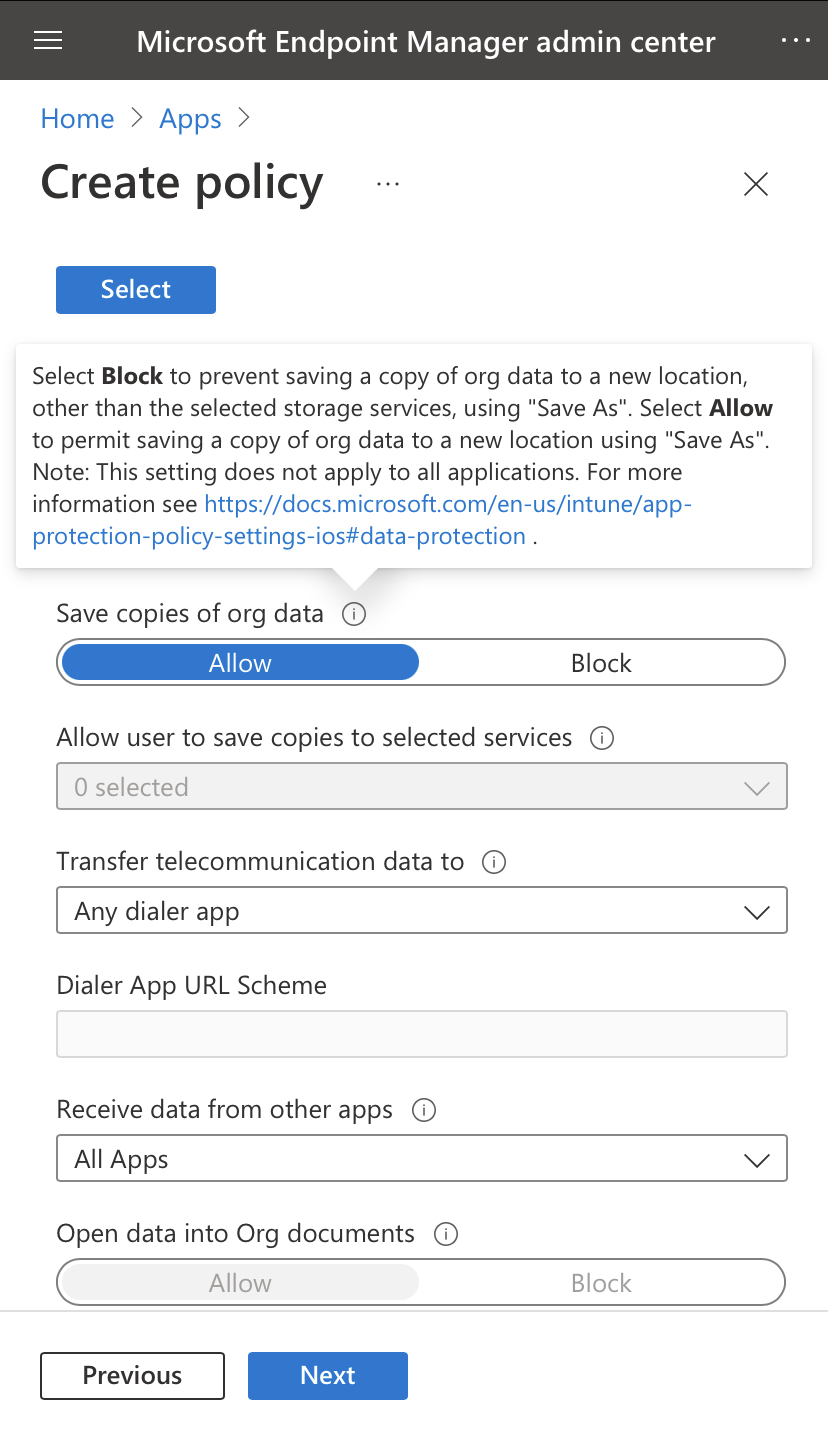
The client i'm working for has coworkers which use there personally owned mobile devices(sometimes laptops), so you could speak about BYOD. But regarding sensitive information, they would want option like copy/paste etc turnt of on the mobile versions of the Office apps.

Yes, App protection Policies apply on unmanaged devices. You should be able to achieve your goal (restrict copy and paste etc) by using App Protection Policies.
Moe
https://docs.microsoft.com/en-us/mem/intune/apps/app-protection-policy
https://docs.microsoft.com/en-us/mem/intune/apps/app-protection-policies
- Oktay SariJun 14, 2022Iron Contributor
Thx for jumping in Moe_Kinani . MohFarah App protection policies will help for sure.
You mentioned that users sometimes use laptops too. If you want to dive in a little deeper with regards to Windows devices and BYOD. Perhaps Windows Information Protection (https://allthingscloud.blog/windows-information-protection-wip/) can help with data protection on the device itself. I'm not saying WIP is something you should do right away though.. Your best option for BYOD Windows scenario is limited browser access only. If that's not enough, perhaps Windows 365 could do the trick. But sometimes, and in some scenario's WIP can be of added value too. Check out the series of posts I wrote on https://allthingscloud.blog/windows-information-protection-wip/ if you want to learn more.
- MohFarahNov 15, 2022Copper Contributor
Oktay Sari Moe_Kinani Thank you both for your answers!