Forum Discussion

Sync not working on Microsoft Edge browse
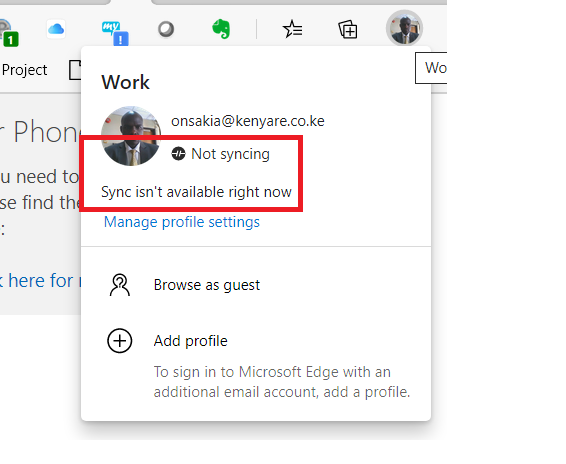

Thanks, KenChong. I opened edge://sync-internals/ and I found the error message under the "Type info" section.
"Microsoft Information Protection service is disabled"

Linn Zaw Win You may want to verify if the required service is enabled: https://docs.microsoft.com/en-us/azure/information-protection/activate-azure
Also check edge://policy/ and see if https://docs.microsoft.com/en-us/DeployEdge/microsoft-edge-policies#syncdisabledDisabled is shown and set to true.
- KenChongSep 23, 2021Iron Contributor
Linn Zaw Win I agree with you that it is somewhat complicated to turn sync on for the first time. The prerequisites should be on by default so that the sync is ready for use. Hope Microsoft can fix this soon.
- Linn Zaw WinSep 21, 2021Copper Contributor
Thanks for your response, KenChong
I checked edge://policy/ and SyncDisabled is not listed in the list of policies.
I believe it is due to the Azure Information Protection policy not being configured in our environment. I really appreciate for showing me the right direction to find out what is the issue.
For being a small startup company, I don't think we have enough expertise to set up all those stuff by the global administrators. I will just give up setting up Sync for the edge with my Work account and use my personal account instead.