Forum Discussion

Outlook.com desktop notifications can't be enabled
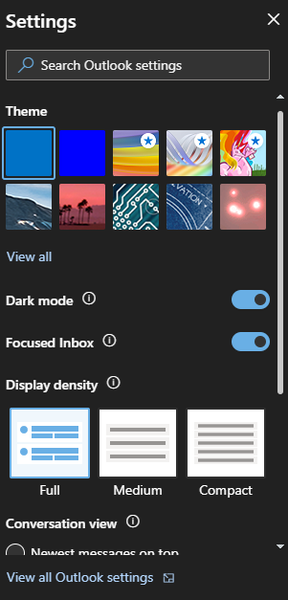

But still missing desktop notifications. These are notifications that are handed off to be displayed by the OS via the browser. Here is the missing section in Chrome:

https://www.bennish.net/web-notifications.html
https://web-push-book.gauntface.com/demos/notification-examples/
- NitroJoltSep 12, 2019Copper Contributor
Both sites work, after granting access:
Also worth noting that desktop notifications from Gmail (and a lot of other websites) work well in Edge Dev.
Outlook.com is supposed to give you the same prompt when you toggle Desktop notifications on, however the whole setting is unavailable. I have also tried pre-emptively allowing notifications for Outlook.com via settings, but no dice.
I can only guess that the capabilities being advertised by msedge dev to outlook.com aren't proper?
- HotCakeXDec 09, 2019MVP
Hi there NitroJolt
I wanted to post an update for your issue and say that it's fixed, not sure when it was exactly fixed, maybe sooner but now that I'm checking on Edge insider canary version 80.0.358, i can see the option and successfully activated and received notifications 🙂