Forum Discussion

Anonymous
Aug 19, 2019Microsoft Edge Canary ( latest version ) - issues with tracking prevention in InPrivate windows
Hi. This is my first post. So this is the version I´m using ( the latest ) : When I set the tracking protection feature to its default ( "Balanced" ) ... ... the expected behaviou...
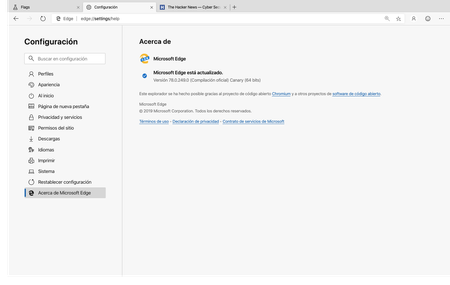

HotCakeX
Aug 19, 2019MVP
It's Correct.
there is only 1 settings page, not 2. either when you go to the settings page from normal browser or from inPrivate window, you still land in the same settings page.
InPrivate browsing is already using the "strict" mode but the settings page shows you the options you set for regular browsing.
there is only 1 settings page, not 2. either when you go to the settings page from normal browser or from inPrivate window, you still land in the same settings page.
InPrivate browsing is already using the "strict" mode but the settings page shows you the options you set for regular browsing.
Anonymous
Aug 19, 2019HotCakeXHi, thanks for replying 🙂
Yeah I know there is only one settings page. When I open the settings page I only expect to see one option ( the balanced one by default ). It is in my understanding that InPrivate windows should use the strict mode by default ( regardless of the option I use in settings ). What I found out is that it does not seem to be working in strict mode because I can still see ads in InPrivte windows ( when I turn on strict mode in settings only then the ads are blocked ). This is why this behaviour is surprising me.