Forum Discussion

Google home page not opening on start up of Edge

 May 29, 2021
dosi70 There are two workarounds you can try:
Workaround 1: Change your search-provider to Bing
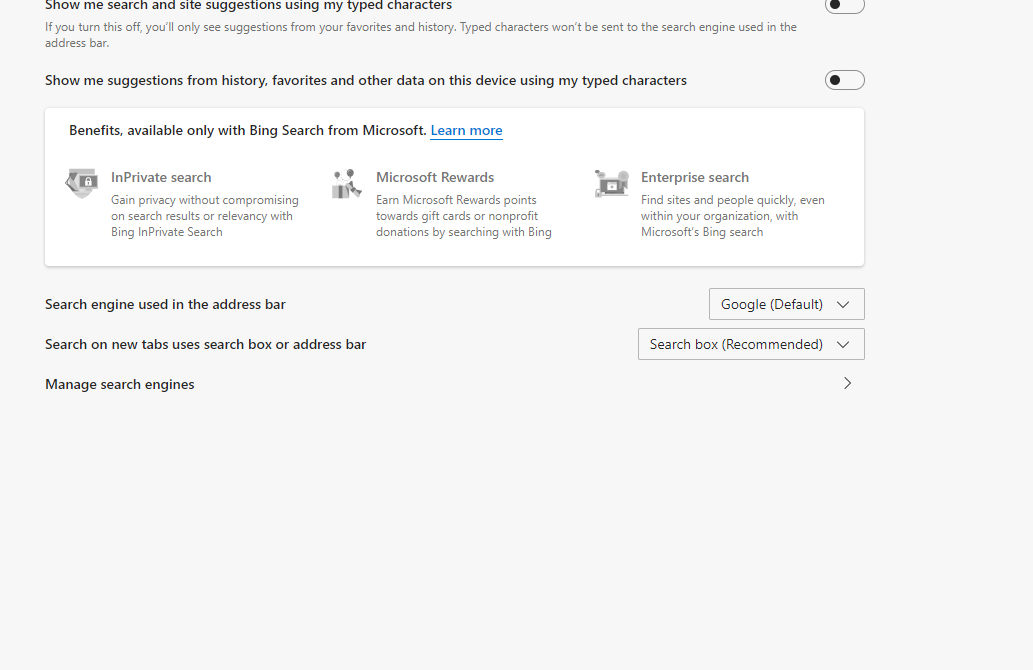
In the Address Bar, go to edge://settings/searchEngines and then click the "..." at the end of the Bing option and choose "Make default". Close all Edge windows. Next time you open a new Edge window, your startup-page should be working again.
Workaround 2: Add the site(s) into the shortcut for Edge (applies to Windows users only)
Find a shortcut to the Edge browser (for example, on your desktop), then right-click it and choose "Properties". In the Target box, right at the end (after msedge.exe") leave a single space, and then type the web-address you want Edge to start with. Click OK, and use that shortcut now to launch Edge.
NOTE: if you want Edge to load more-than one site when it starts, just leave a single space between each website address, for example:
msedge.exe" https://www.google.co.uk https://www.bbc.co.uk

It stopped both the Edge and Chrome browser start-up tabs appearing.
This fixed it for me:
three dots
settings
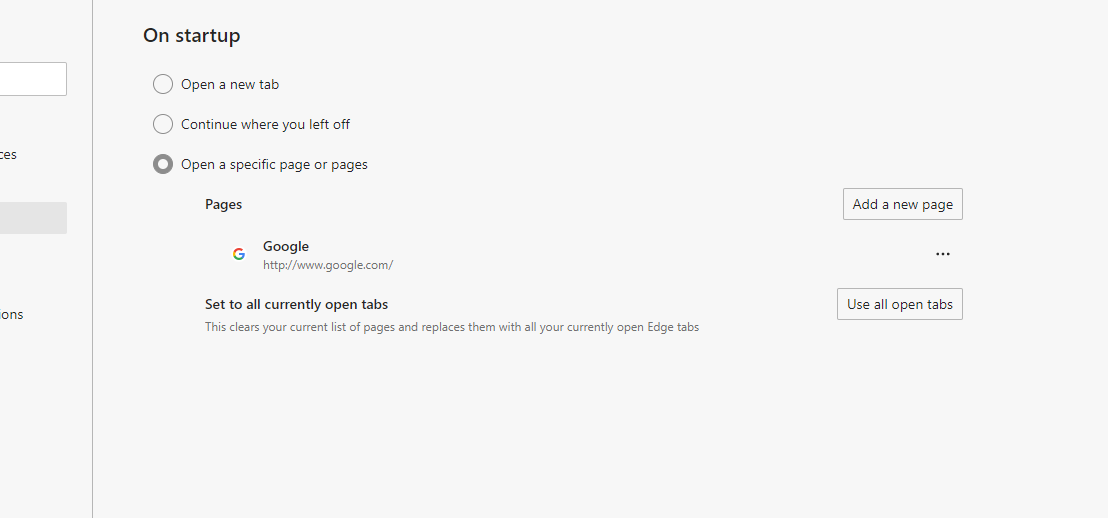
start, home and new tabs
scroll down to the bottom and turn off Preload the new tab page for a faster experience
restart PC/Laptop
Both Edge and Chrome now opening start pages.......
Edge: Version 100.0.1185.39 (Official build) (64-bit)
Chrome: Version 100.0.4896.88 (Official Build) (64-bit)
Chrome opening with the start pages - no issues
Restart windows - still same issue
change tab to "faster experience" On - restart the machine and start pages are now working again.
Current Version of Edge: Version 100.0.1185.50 (Official build) (64-bit)
- MarktechguidescloudcApr 25, 2022Brass Contributor
I found the same as you. I have over 40 computers setup using Group Policy to set the default home/startup pages. Some were working, while others not. I noticed some had an icon in the upper right corner of Edge saying an "update needed". I noted versions of edge before proceeding, 100.0.1185.50. I found that after clicking the icon to update, the Start page worked properly. Curiously the version of Edge did not change after the update and remained 100.0.1185.50. Other computers did not show the "update needed" and would not display the startup page.
I ended up setting a group policy to disabled "Enable preload of the new tab page for faster rendering". Once this policy was in place all computers loaded the proper start page. Not sure why one vs the other worked/updated but I now have them all working as desired again. Hope this helps someone else out there facing similar issues.I did find a resolution to the second instance opening the Edge/Chrome default page. I wasn't logged into a profile, yet somehow Edge was showing a profile using my email. I don't use a profile for syncing across computers and never set one up. I noticed this because the Edge icon in the taskbar had the "profile silhouette". I removed this profile and now I can open multiple instances of Edge and each one starts with my defined start page. I am thinking this has something to do with the original issue. Is Edge/Chrome trying to force people into setting up a profile and placing all our "tracking info" on the web and this the result?
Interestingly Firefox does not have this feature and always opens the default start page.